

Retro Bowl College IPA
by New Star Games
- 4.4 13.2K ratings
- v1.1.1Version
- 44.2 MBSize
- iOS 9+Requires
- 12+Age
Free · 44.2 MB · iOS 9 or later
Retro Bowl College screenshots


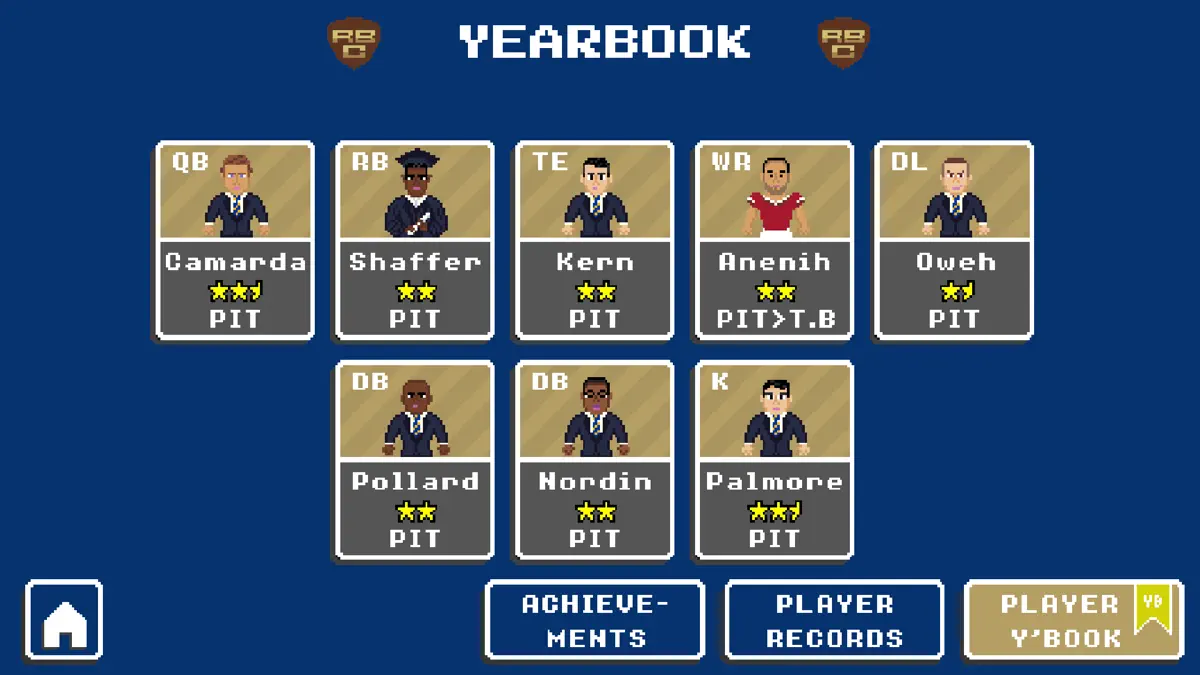
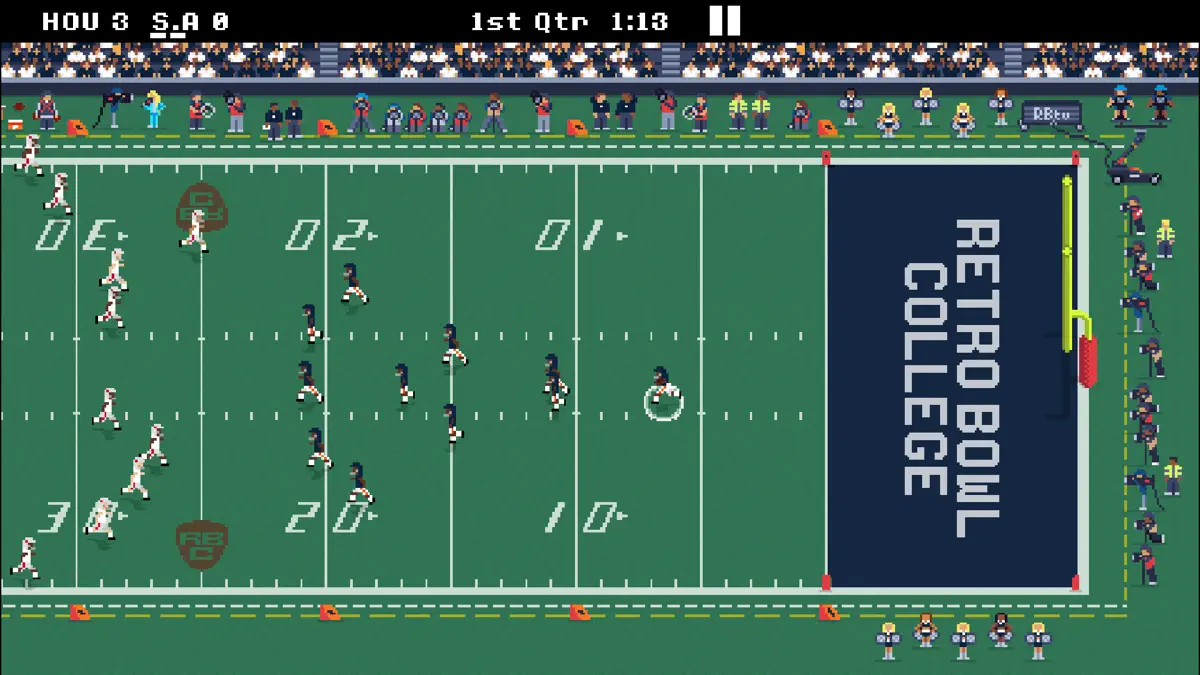
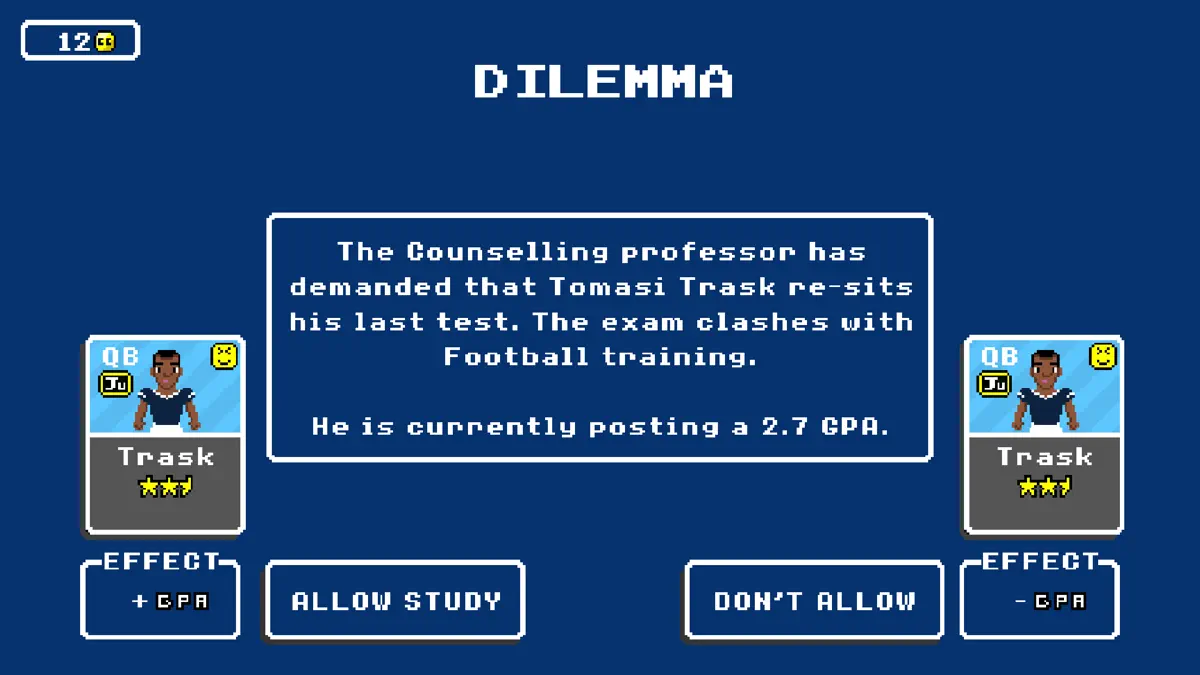


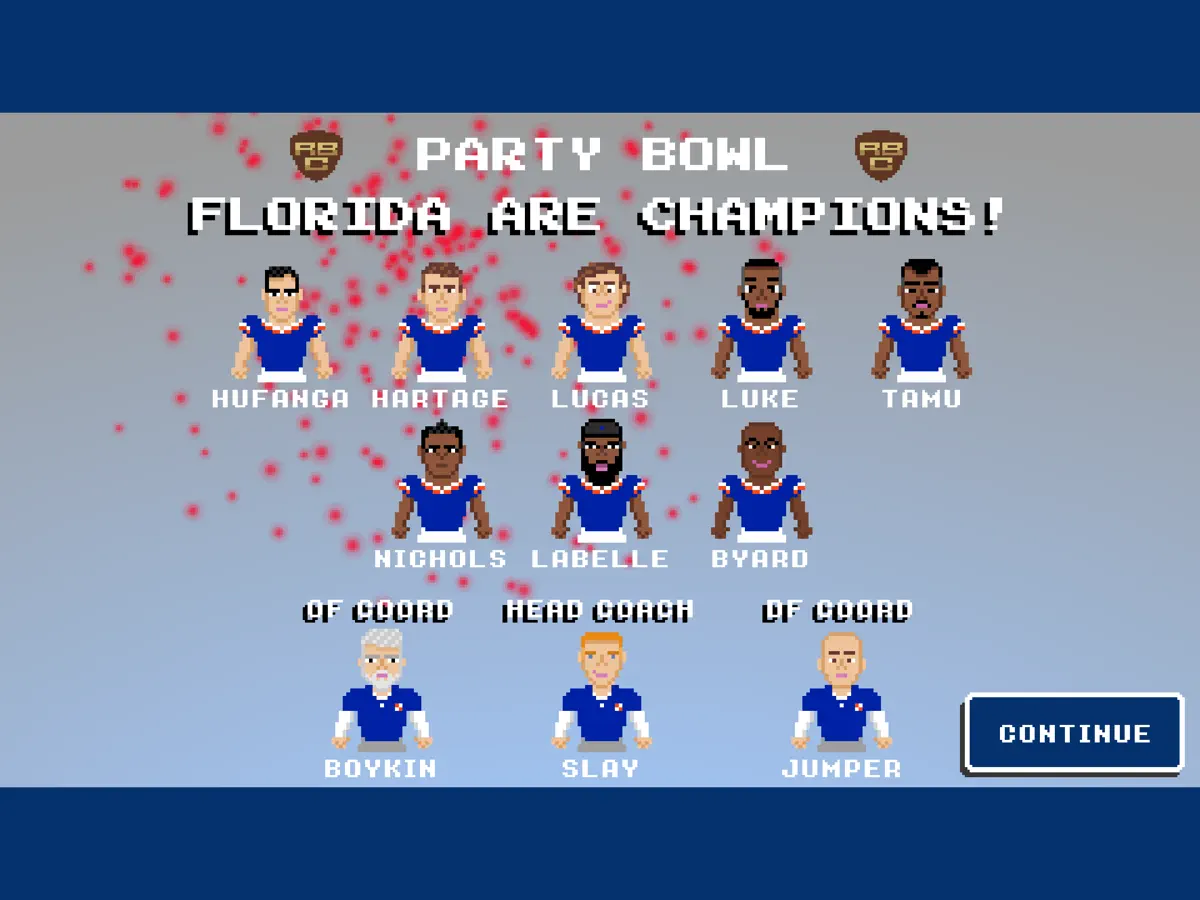
Retro Bowl College for iPhone & iPad
The official spin-off of the smash hit RETRO BOWL takes you back to the old-school. If you thought managing a Pro Team was a challenge - you've seen nothing yet!
Make a name for yourself as a winning Head Coach for one of 250 College teams. Manage tight budgets and encourage your hotheaded young players to keep their eye on the ball when they're surrounded by the temptations and distractions of College life. Can you tell the difference between the next Pro Football superstar and the party animal who doesn't know when to quit? Can you foster their talents and help them make the Draft? Can you turn your school into the greatest Football College of all time?
What's new in Retro Bowl College v1.1.1
Aug 6, 2026A new "League Style" feature has been added for players with the "Unlimited Version".
- When you move from one season to the next, you can change your Conference Alignments and Bowl Schedule to match one of five different styles.
- Previous styles from 2023 and 2024 are now available again.
- A 2022 style is now available for the first time.
- This year's new 2026 League Style is also available for everyone, including players who do not have the "Unlimited Version".
- A "Start Year" option has been added to Career Creation which allows you to move through the different League Styles automatically as the calendar progresses.
How to install Retro Bowl College on iPhone & iPad
Method 1: With the IPA Game Store app
- Tap Get on IPA Game Store above, then download IPA Game Store in Safari on your iPhone or iPad.
- Open Settings › Profile Downloaded and tap Install. The app appears on your Home Screen.
- Open IPA Game Store and find Retro Bowl College.
Method 2: From the App Store
Retro Bowl College is also on the App Store. Installing it there means no signing and no 7-day refresh, and updates arrive automatically. View Retro Bowl College on the App Store.
Method 3: Sideload an IPA you own
If you have your own copy of the IPA file, sign and install it with LiveContainer, SideStore or AltStore. Our IPA install guide compares every method.
Having trouble? See why an IPA installation fails or installing IPA on iPad.
Retro Bowl College compatibility & known limitations
| Minimum iOS | iOS 9 or later |
|---|---|
| Devices | iPhone & iPad |
| Size | 44.2 MB download, plus extra data on first launch for many games |
| Internet | Online connection required |
| Release type | Official App Store release |
| Last checked | Not yet reviewed. Version data last changed Aug 6, 2026 |
Known limitations
- Installed from the App Store, so it updates automatically and needs no signing.
- Purchases, saved progress and sign-in with Game Center or social accounts can behave differently outside the App Store.
- Needs an internet connection. Servers can change or shut down at the developer's discretion.
Is Retro Bowl College safe?
Source & verification
- Source
- Official App Store release
- Type
- Official release
- Developer
- New Star Games
- Last verified
- Not yet reviewed
- SHA-256
- Not published
We host no IPA file for this game. It is installed from the developer's App Store listing, or through the free IPA Game Store app, which also installs from the App Store. How we check files · Report a problem
- Check before you install. Only install IPA files from sources you trust, and verify the checksum and signature first.
- Developer: New Star Games · Bundle ID
com.newstargames.retrobowlcollege - Sandboxed. iOS runs every app in its own sandbox. A game cannot read your other apps' data without asking you.
- Age rating 12+. Use Screen Time to limit in-app purchases on a child's device.
- Avoid "modded" copies. Modified IPAs that promise unlimited coins can include tracking code and can get your account banned. Read more about IPA safety.
Retro Bowl College update history
| Version | Released | Size | Changes |
|---|---|---|---|
| v1.1.1 Latest | Aug 6, 2026 | 44.2 MB | A new "League Style" feature has been added for players with the "Unlimited Version". - When you move from one season to the next, you can… |
Retro Bowl College IPA — FAQ
How do I get Retro Bowl College on iPhone?
Is Retro Bowl College free?
What iOS version does Retro Bowl College need?
How big is Retro Bowl College?
Does Retro Bowl College work on iPad?
Is this a modded or clean IPA file?
More sports IPA games
See all → EA SPORTS FC Soccer Mobile 27
Electronic Arts
★ 4.7
 NBA 2K Mobile Basketball Game
2K
★ 4.8
 Madden NFL 27 Mobile Football
Electronic Arts
★ 4.7
 Stickman Hook
MADBOX
★ 4.7
 Crazy Kick! Fun Football game
Voodoo
★ 4.7
 CSR 2 - Realistic Drag Racing
Zynga Inc.
★ 4.7
 Dream League Soccer 2026
First Touch Games Ltd.
★ 4.6
 eFootball™ IPA
KONAMI
★ 4.3
