

Retro Goal IPA
by New Star Games
- 4.4 28.6K ratings
- v1.1.2Version
- 27.2 MBSize
- iOS 12.1+Requires
- 12+Age
Free · 27.2 MB · iOS 12.1 or later
Retro Goal screenshots
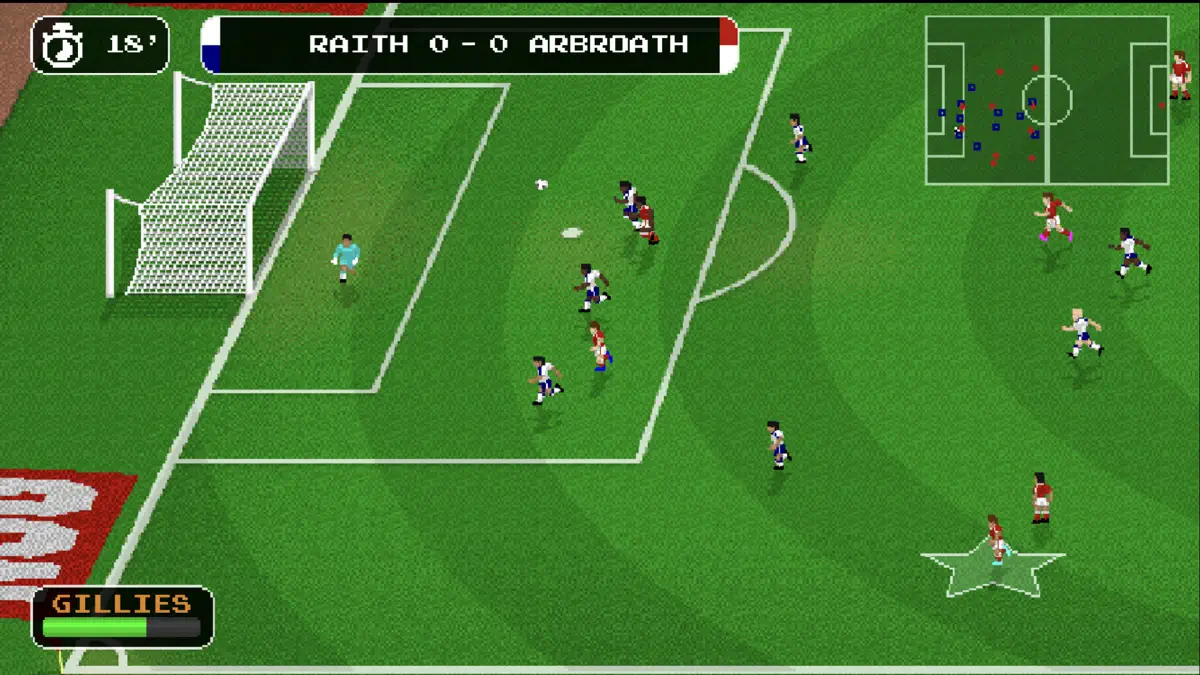

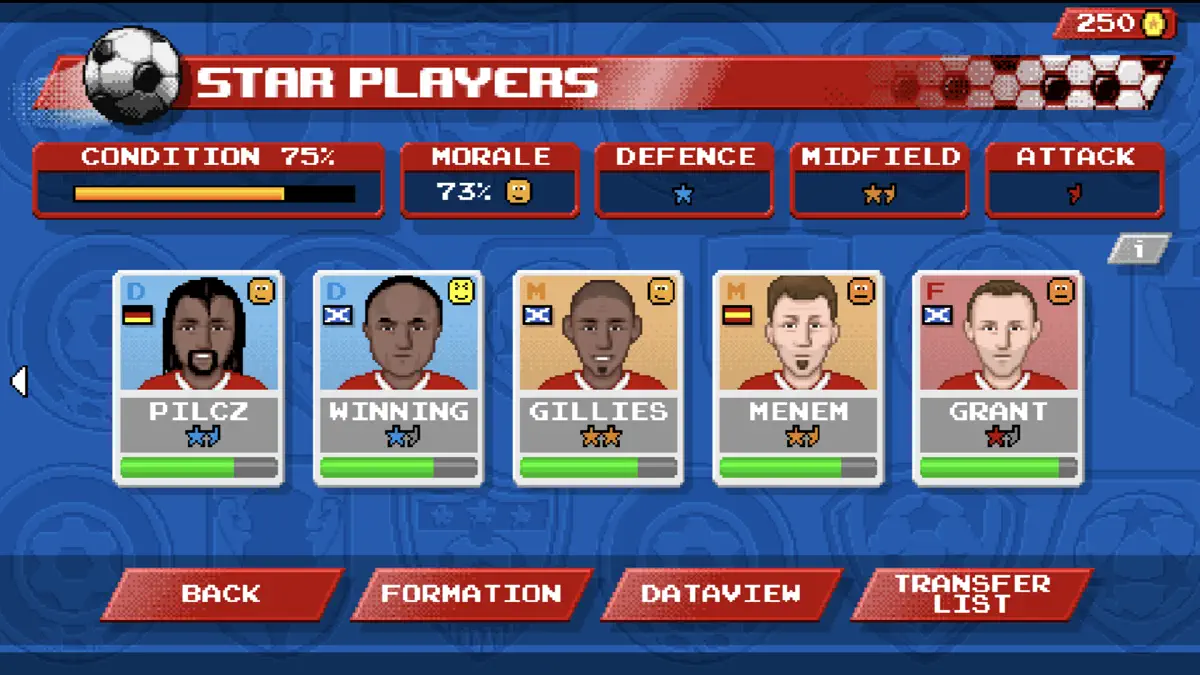


Retro Goal for iPhone & iPad
RETRO GOAL is a fast and exciting mix of arcade Soccer action and simple team management, from the developers of hit sports games NEW STAR™ SOCCER and RETRO BOWL.
With graphics inspired by the most beloved football games of 16-bit era and the accuracy of modern touchscreen controls, you'll be slotting away goal after goal with pixel-perfect precision. Choose a team from the world's favourite leagues and recruit the superstars, professionals and hotheads who will lead you to victory - then take full control on the pitch and make every touch count!
What's new in Retro Goal v1.1.2
Jul 15, 2026- New Global Champions campaign added! Choose one of 48 international teams and shoot for glory!
- Setting added to the options screen for swapping back to the original character art.
- Fix for the game crashing when pressing one of the face buttons on certain game controllers.
- Fix for seasons or playoffs being skipped.
- Fix for lack of variety in players' Boyhood teams.
- Fix for incorrect player stats in the Global Champions campaign.
How to install Retro Goal on iPhone & iPad
Method 1: With the IPA Game Store app
- Tap Get on IPA Game Store above, then download IPA Game Store in Safari on your iPhone or iPad.
- Open Settings › Profile Downloaded and tap Install. The app appears on your Home Screen.
- Open IPA Game Store and find Retro Goal.
Method 2: From the App Store
Retro Goal is also on the App Store. Installing it there means no signing and no 7-day refresh, and updates arrive automatically. View Retro Goal on the App Store.
Method 3: Sideload an IPA you own
If you have your own copy of the IPA file, sign and install it with LiveContainer, SideStore or AltStore. Our IPA install guide compares every method.
Having trouble? See why an IPA installation fails or installing IPA on iPad.
Retro Goal compatibility & known limitations
| Minimum iOS | iOS 12.1 or later |
|---|---|
| Devices | iPhone & iPad |
| Size | 27.2 MB download, plus extra data on first launch for many games |
| Internet | Online connection required |
| Release type | Official App Store release |
| Last checked | Not yet reviewed. Version data last changed Jul 15, 2026 |
Known limitations
- Installed from the App Store, so it updates automatically and needs no signing.
- Purchases, saved progress and sign-in with Game Center or social accounts can behave differently outside the App Store.
- Needs an internet connection. Servers can change or shut down at the developer's discretion.
Is Retro Goal safe?
Source & verification
- Source
- Official App Store release
- Type
- Official release
- Developer
- New Star Games
- Last verified
- Not yet reviewed
- SHA-256
- Not published
We host no IPA file for this game. It is installed from the developer's App Store listing, or through the free IPA Game Store app, which also installs from the App Store. How we check files · Report a problem
- Check before you install. Only install IPA files from sources you trust, and verify the checksum and signature first.
- Developer: New Star Games · Bundle ID
com.newstargames.retrogoal - Sandboxed. iOS runs every app in its own sandbox. A game cannot read your other apps' data without asking you.
- Age rating 12+. Use Screen Time to limit in-app purchases on a child's device.
- Avoid "modded" copies. Modified IPAs that promise unlimited coins can include tracking code and can get your account banned. Read more about IPA safety.
Retro Goal update history
| Version | Released | Size | Changes |
|---|---|---|---|
| v1.1.2 Latest | Jul 15, 2026 | 27.2 MB | •New Global Champions campaign added! Choose one of 48 international teams and shoot for glory! •Setting added to the options screen for sw… |
Retro Goal IPA — FAQ
How do I get Retro Goal on iPhone?
Is Retro Goal free?
What iOS version does Retro Goal need?
How big is Retro Goal?
Does Retro Goal work on iPad?
Is this a modded or clean IPA file?
More simulation IPA games
See all → Golf Clash - Golfing Simulator
Electronic Arts
★ 4.5
 Avatar World ®
Pazu Games Ltd
★ 4.7
 Retro Bowl
New Star Games
★ 4.8
 Block Craft 3D: Building Games
Wildlife Studios
★ 4.6
 Idle Miner Tycoon: Gold digger
Kolibri Games GmbH
★ 4.7
 My Talking Tom 2
Outfit7 Limited
★ 4.5
 Snake Clash!
Supercent, Inc.
★ 4.6
 My Perfect Hotel
SayGames LTD
★ 4.7
