

Bubble Bus: Parking Jam Puzzle IPA
by MOONEE PUBLISHING LTD
- 4.7 27.4K ratings
- v3.3.3Version
- 479.7 MBSize
- iOS 16.0+Requires
- 4+Age
Free · 479.7 MB · iOS 16.0 or later
Bubble Bus: Parking Jam Puzzle screenshots



Bubble Bus: Parking Jam Puzzle for iPhone & iPad
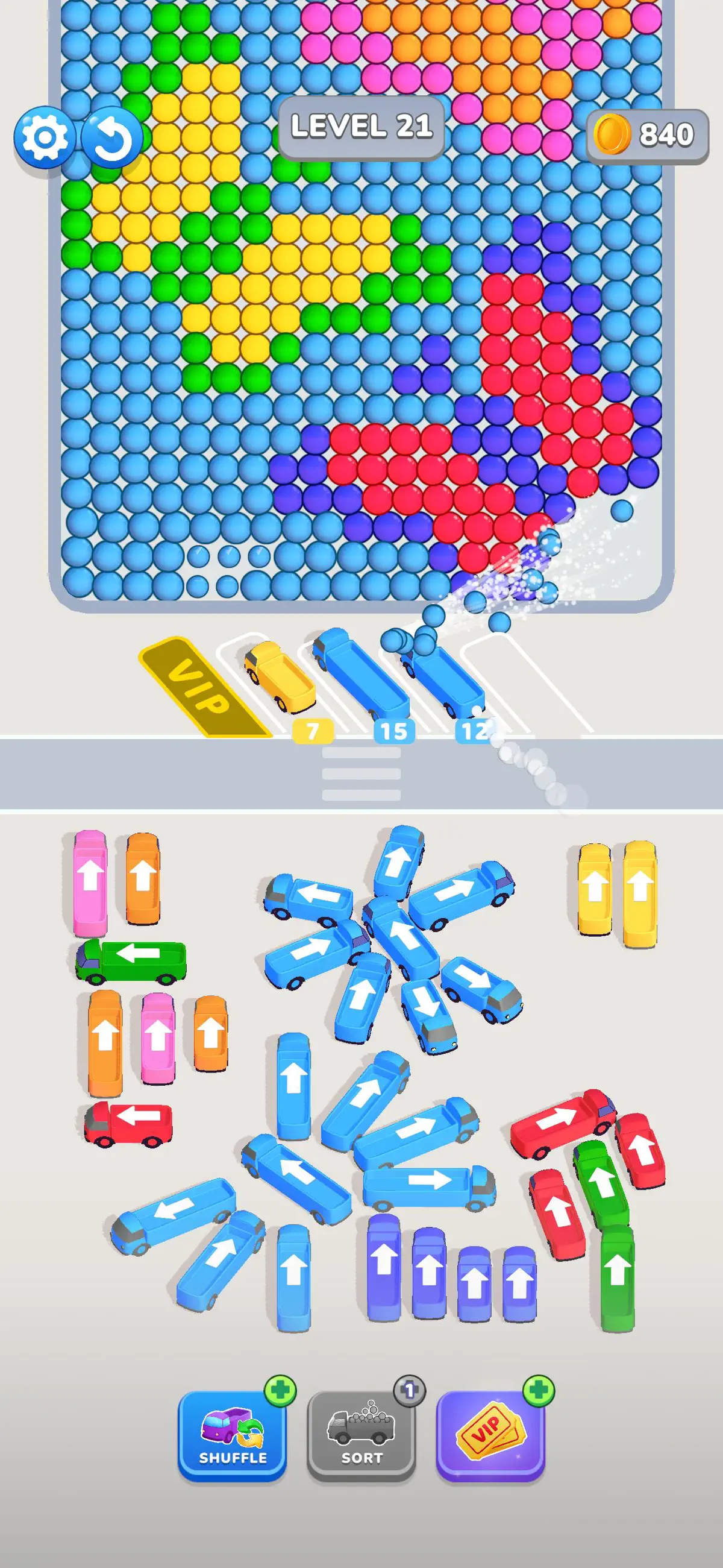
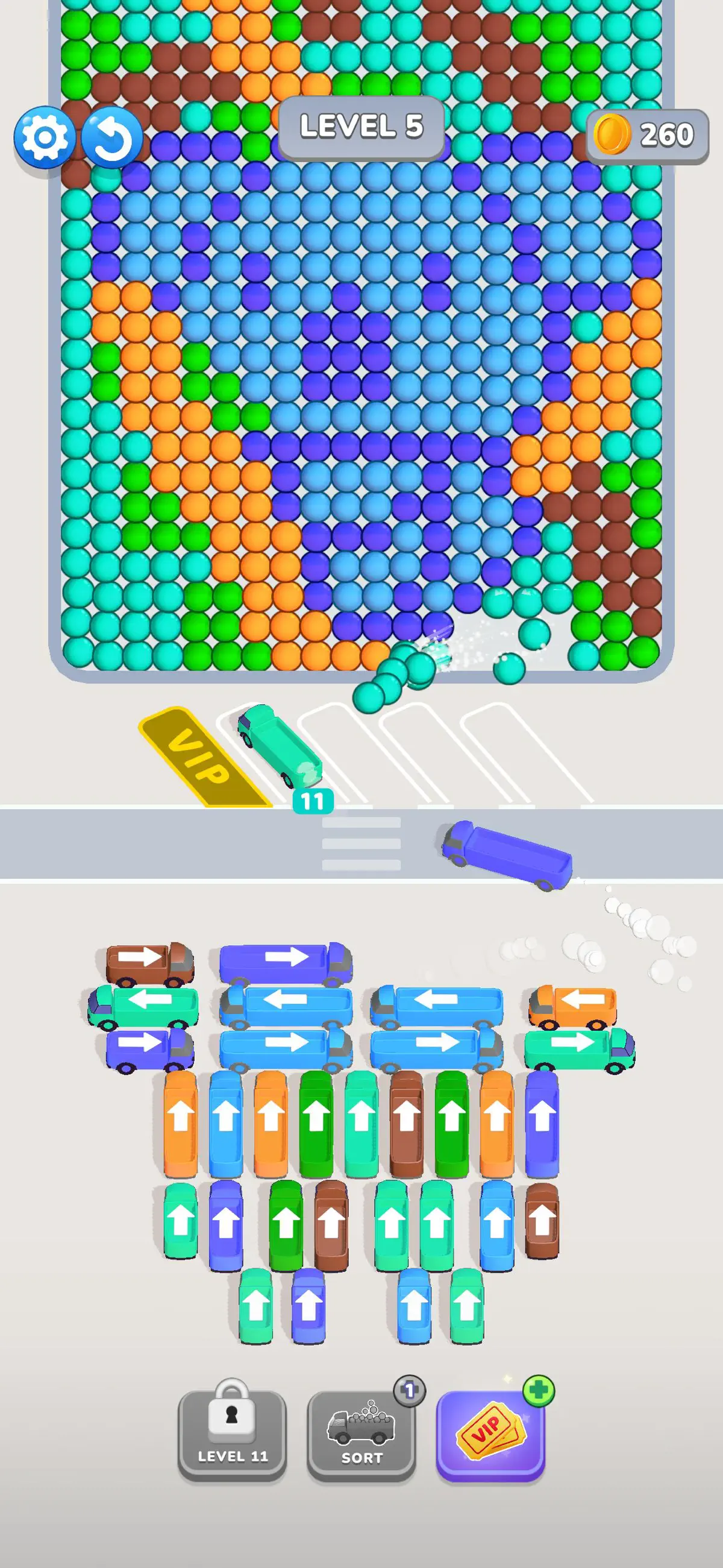
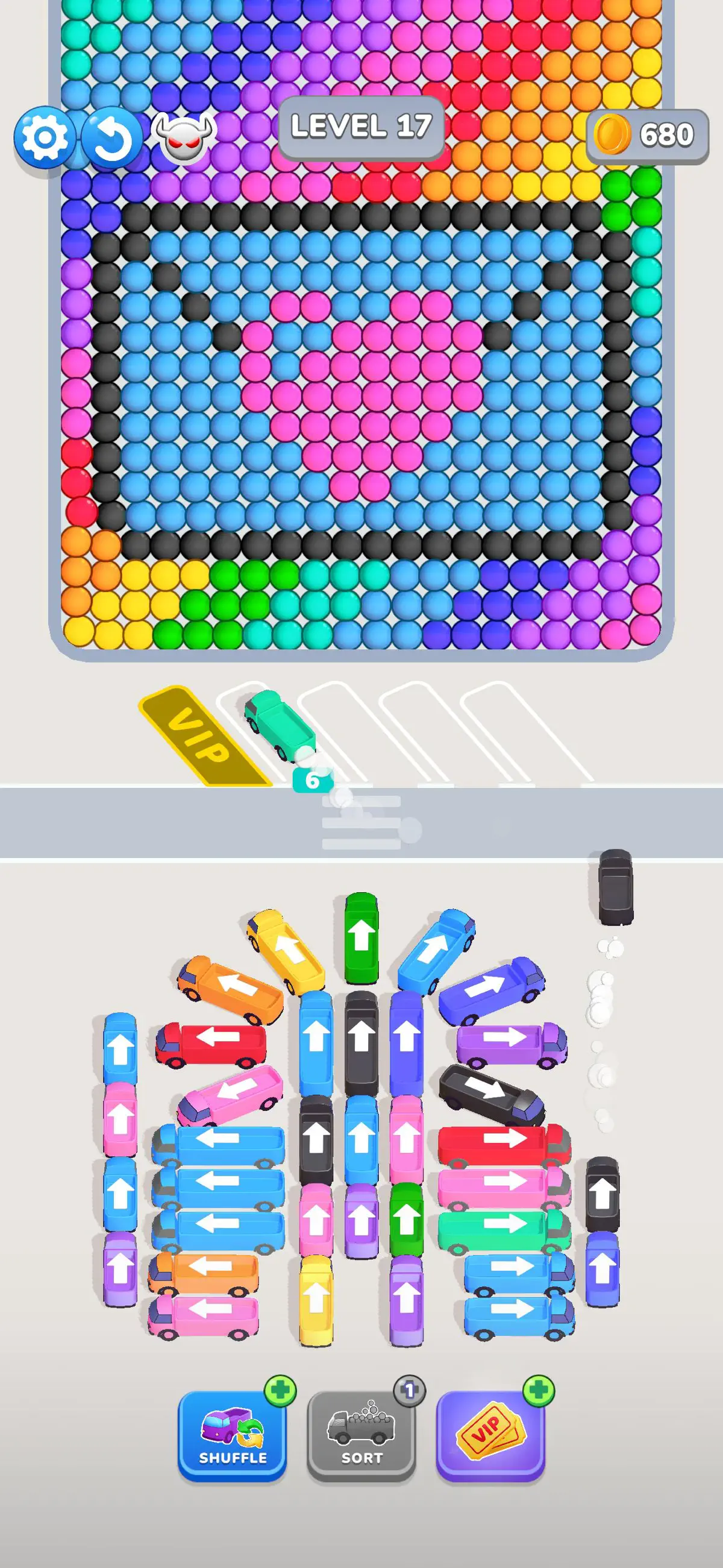
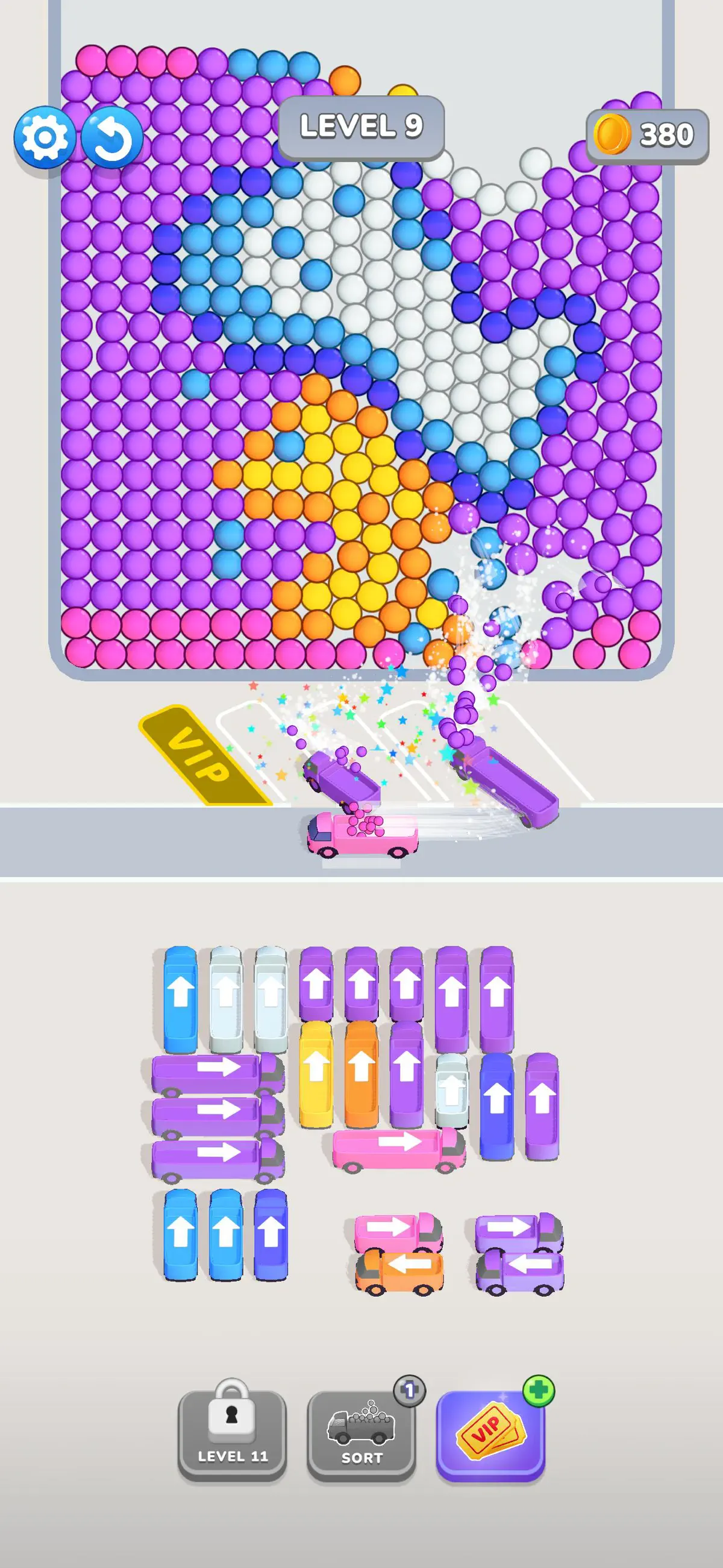
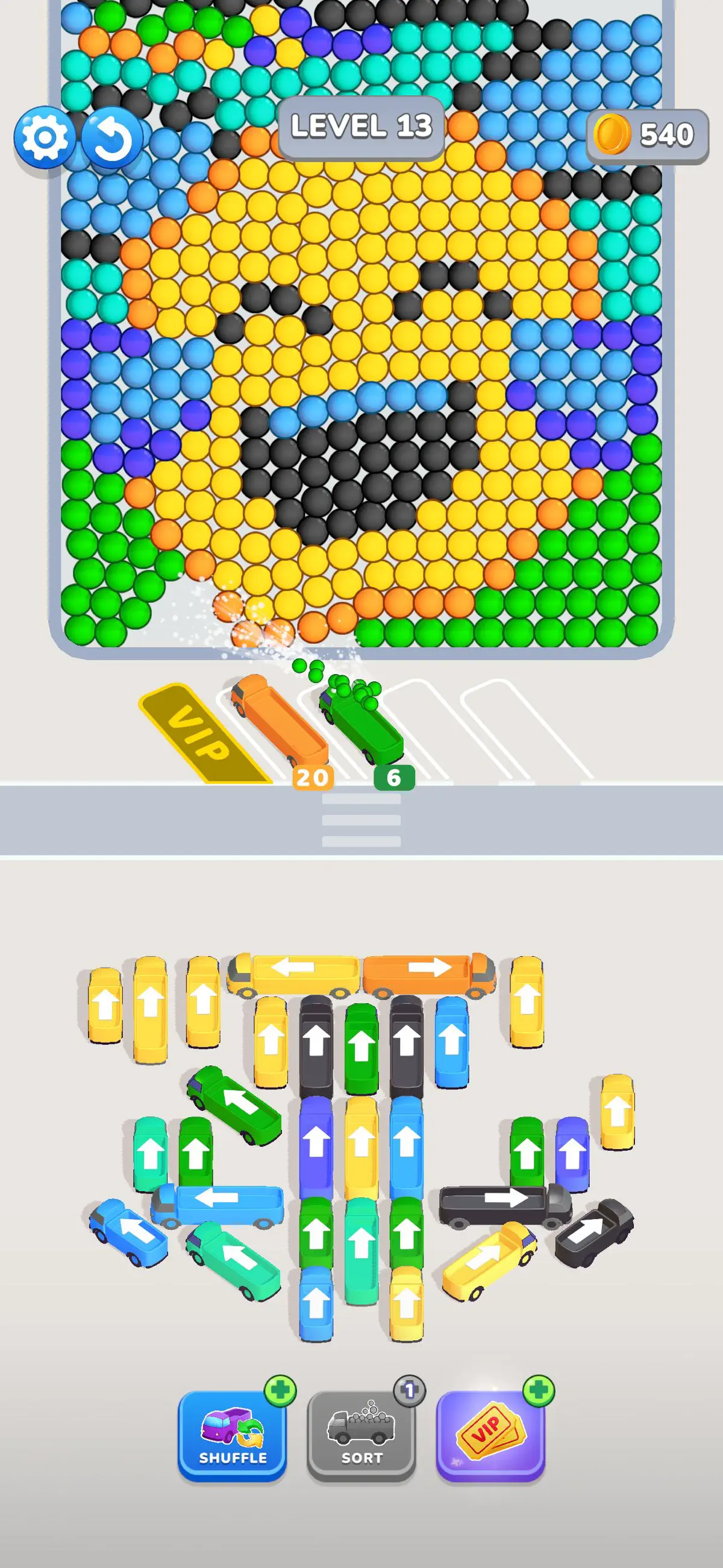
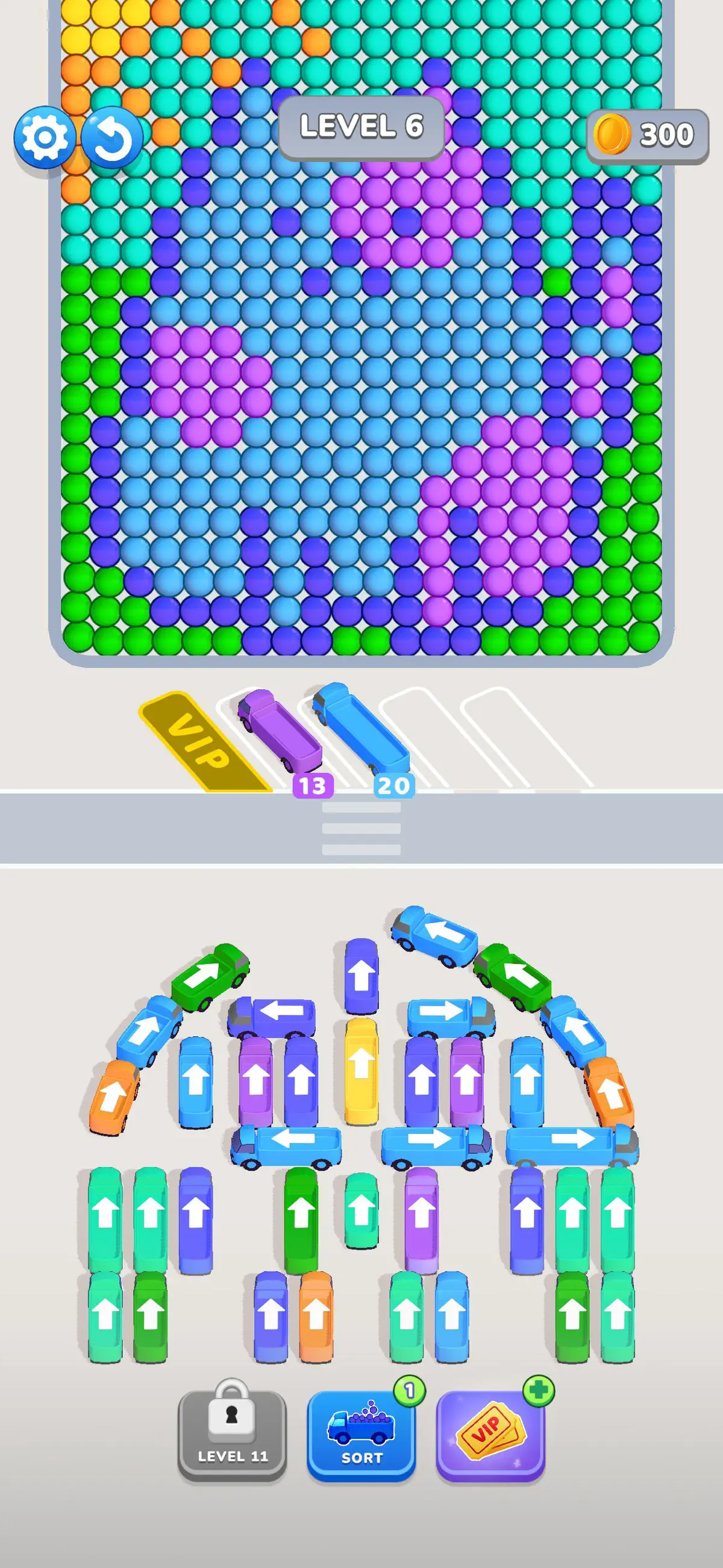
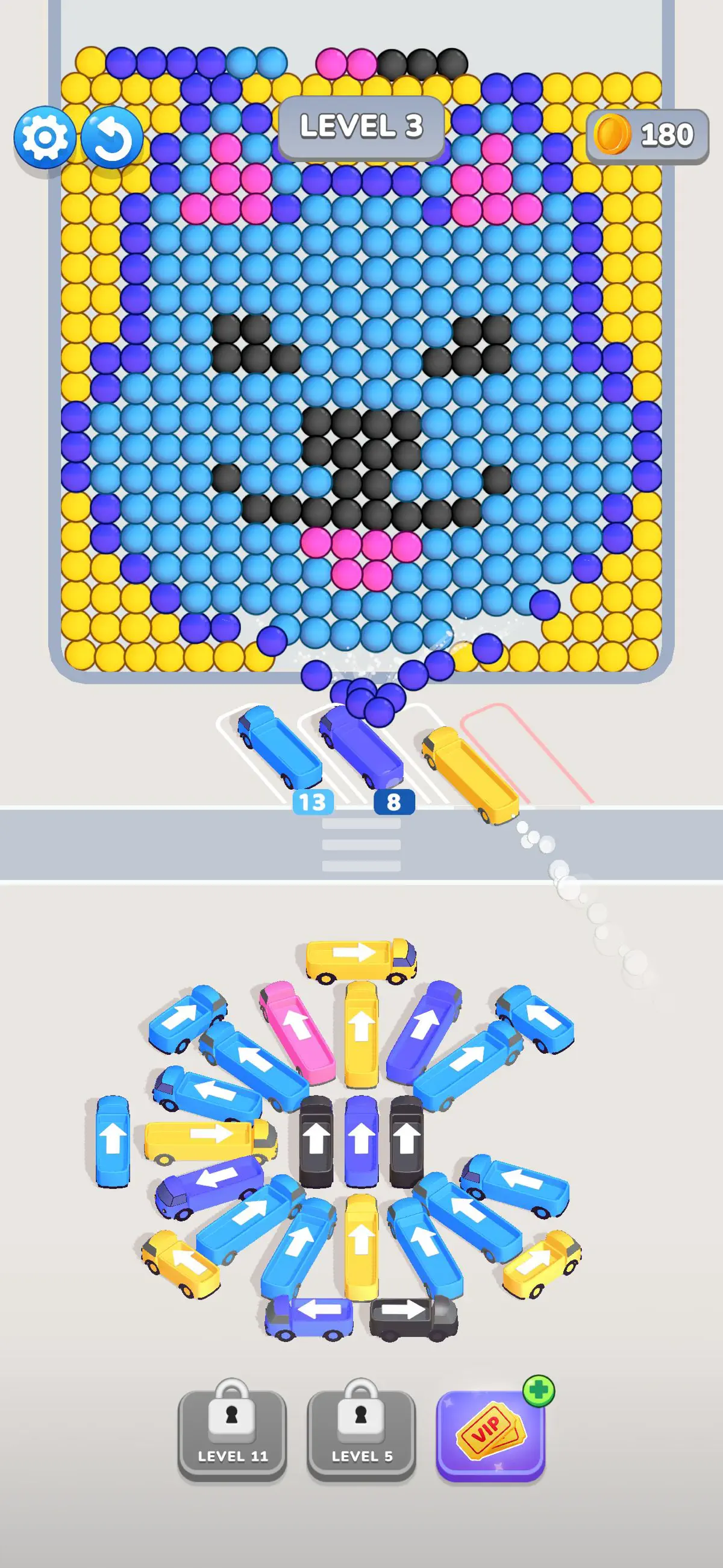
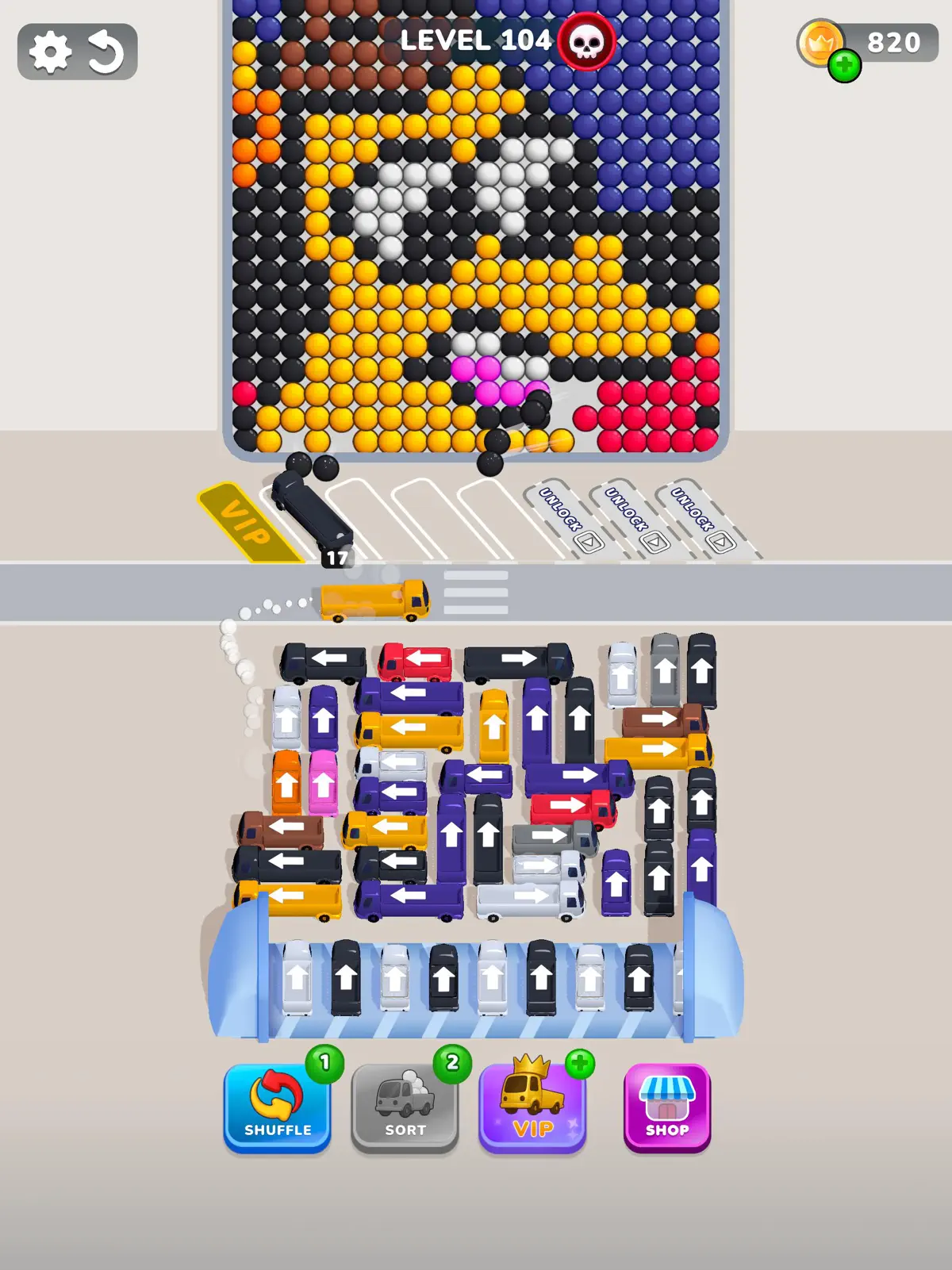
Bubble Bus is a fun and relaxing color sorting game with a twist. Drive buses, park them in the right spots, and collect matching color bubbles. Plan your moves carefully — if the parking lot is full and you miss the right bubbles, the game is over.
This game is more than just sorting colors. Use smart tools like VIP parking and shuffle features to help organize the traffic jam and clear the board. It’s simple to play but gets more challenging as you go.
If you enjoy puzzle games that test your logic and keep your mind sharp, Bubble Bus is the perfect choice.
Terms of use: https://www.apple.com/legal/internet-services/itunes/dev/stdeula/
Privacy policy: https://www.moonee.io/privacy-policyDownload now and start sorting!
What's new in Bubble Bus: Parking Jam Puzzle v3.3.3
Aug 24, 2026Bug fixes
How to install Bubble Bus: Parking Jam Puzzle on iPhone & iPad
Method 1: With the IPA Game Store app
- Tap Get on IPA Game Store above, then download IPA Game Store in Safari on your iPhone or iPad.
- Open Settings › Profile Downloaded and tap Install. The app appears on your Home Screen.
- Open IPA Game Store and find Bubble Bus: Parking Jam Puzzle.
Method 2: From the App Store
Bubble Bus: Parking Jam Puzzle is also on the App Store. Installing it there means no signing and no 7-day refresh, and updates arrive automatically. View Bubble Bus: Parking Jam Puzzle on the App Store.
Method 3: Sideload an IPA you own
If you have your own copy of the IPA file, sign and install it with LiveContainer, SideStore or AltStore. Our IPA install guide compares every method.
Having trouble? See why an IPA installation fails or installing IPA on iPad.
Bubble Bus: Parking Jam Puzzle compatibility & known limitations
| Minimum iOS | iOS 16.0 or later |
|---|---|
| Devices | iPhone & iPad |
| Size | 479.7 MB download, plus extra data on first launch for many games |
| Internet | Online connection required |
| Release type | Official App Store release |
| Last checked | Not yet reviewed. Version data last changed Aug 24, 2026 |
Known limitations
- Installed from the App Store, so it updates automatically and needs no signing.
- Purchases, saved progress and sign-in with Game Center or social accounts can behave differently outside the App Store.
- Needs an internet connection. Servers can change or shut down at the developer's discretion.
Is Bubble Bus: Parking Jam Puzzle safe?
Source & verification
- Source
- Official App Store release
- Type
- Official release
- Developer
- MOONEE PUBLISHING LTD
- Last verified
- Not yet reviewed
- SHA-256
- Not published
We host no IPA file for this game. It is installed from the developer's App Store listing, or through the free IPA Game Store app, which also installs from the App Store. How we check files · Report a problem
- Check before you install. Only install IPA files from sources you trust, and verify the checksum and signature first.
- Developer: MOONEE PUBLISHING LTD · Bundle ID
com.bugbomb.dumptruckjam - Sandboxed. iOS runs every app in its own sandbox. A game cannot read your other apps' data without asking you.
- Age rating 4+. Use Screen Time to limit in-app purchases on a child's device.
- Avoid "modded" copies. Modified IPAs that promise unlimited coins can include tracking code and can get your account banned. Read more about IPA safety.
Bubble Bus: Parking Jam Puzzle update history
| Version | Released | Size | Changes |
|---|---|---|---|
| v3.3.3 Latest | Aug 24, 2026 | 479.7 MB | Bug fixes |
Bubble Bus: Parking Jam Puzzle IPA — FAQ
How do I get Bubble Bus: Parking Jam Puzzle on iPhone?
Is Bubble Bus: Parking Jam Puzzle free?
What iOS version does Bubble Bus: Parking Jam Puzzle need?
How big is Bubble Bus: Parking Jam Puzzle?
Does Bubble Bus: Parking Jam Puzzle work on iPad?
Is this a modded or clean IPA file?
More puzzle IPA games
See all → Candy Crush Saga
King
★ 4.7
 Block Blast!
Hungry Studio
★ 4.9
 Township
Playrix
★ 4.8
 Gardenscapes
Playrix
★ 4.7
 Word Connect ¤
ZenLife Games Pte. Ltd.
★ 4.8
 AMAZE!!!
Crazy Labs
★ 4.7
 Royal Kingdom
Dream Games
★ 4.7
 Words of Wonders: Crossword
FUGO BILISIM TEKNOLOJILERI VE YAZILIM TICARET ANONIM SIRKETI
★ 4.9
