

Arrow Pro 3D IPA
by Lumen Studio
- 4.9 16.9K ratings
- v1.17.0Version
- 322.6 MBSize
- iOS 15.0+Requires
- 4+Age
Free · 322.6 MB · iOS 15.0 or later
Arrow Pro 3D screenshots



Arrow Pro 3D for iPhone & iPad
Welcome to Arrow Pro 3D, a relaxing and engaging 3D puzzle experience where observation, timing, and planning come together.
Rotate the cube, release arrows, and clear surfaces gradually. Careful observation and thoughtful decisions help create smooth clearing sequences and solve spatial challenges that gradually become more complex.
The controls are simple to understand, while puzzle layouts continue to encourage deeper thinking as progress continues.
- A fully rotatable 3D puzzle environment
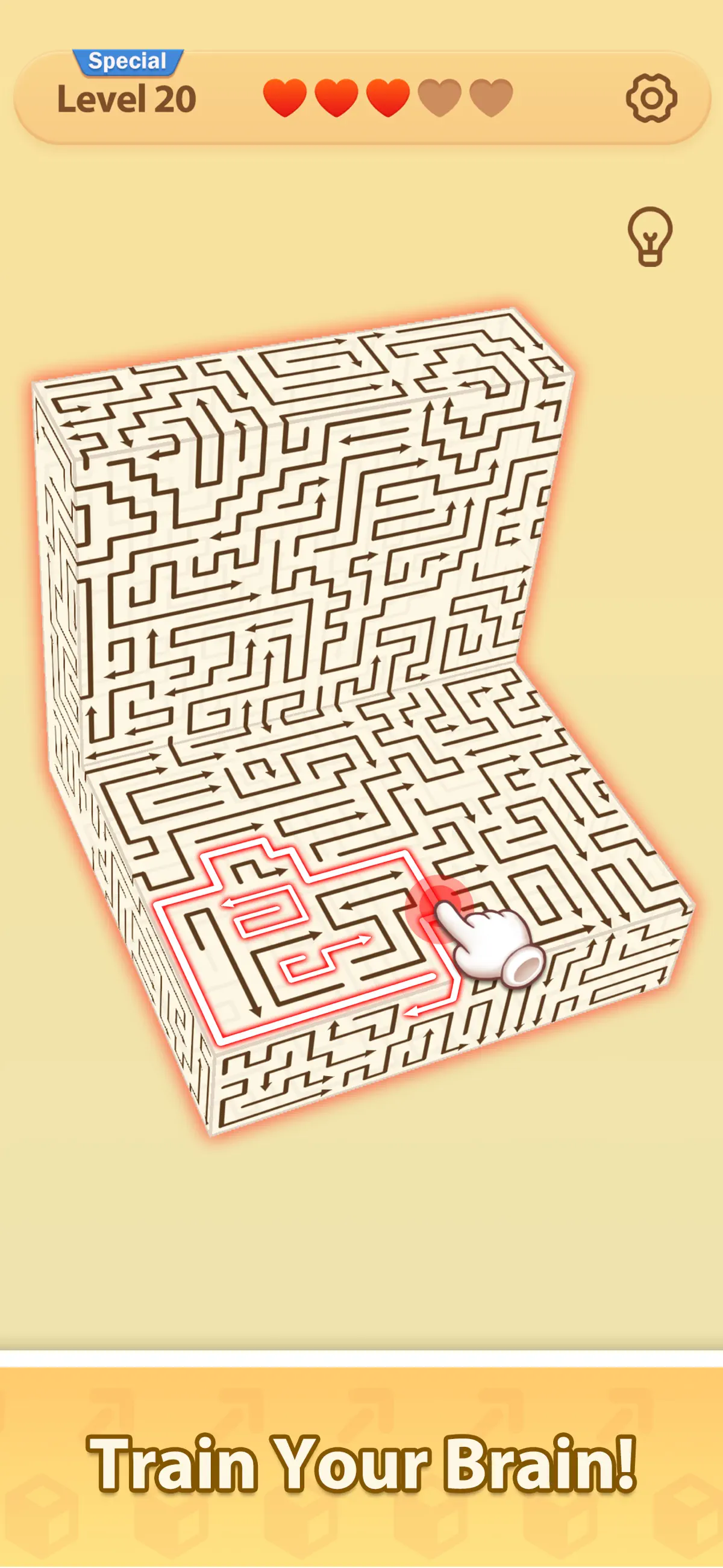
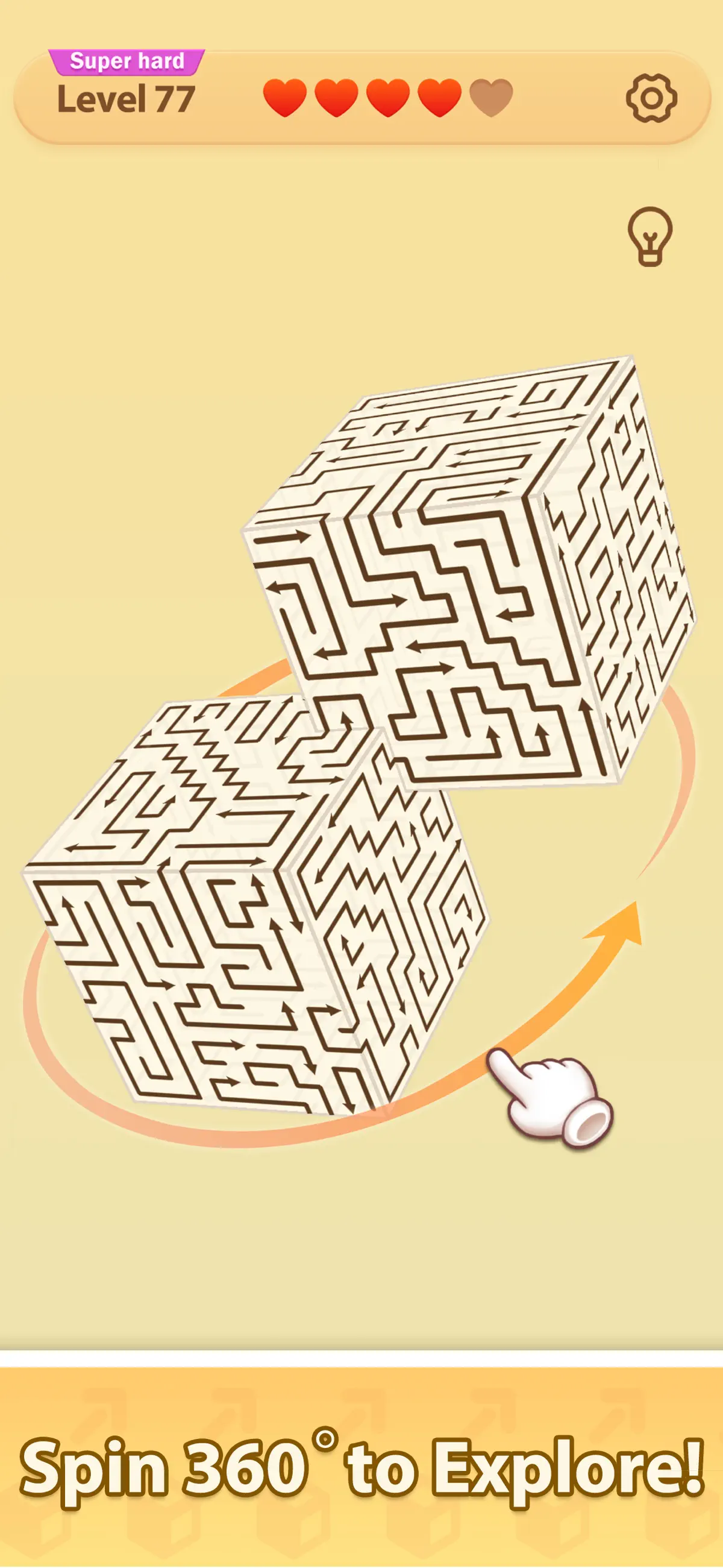
Arrow Pro 3D takes place on an interactive three-dimensional cube. Unlike flat puzzle designs, every face contributes to the overall solution. At times, the answer may be located on the opposite side, requiring rotation and observation from different angles.
Players can rotate the cube freely, zoom in to inspect details, and study each surface before choosing the next move. This freedom allows exploration and supports thoughtful planning throughout each level.
- Release arrows and clear surfaces
The core mechanic focuses on releasing arrows in the correct order. Tap an arrow to activate it, and they will travel forward along its direction, removing other arrows encountered along the path.
Some arrows travel short distances, while others move across larger areas. Understanding how arrows interact allows multiple elements to be removed efficiently. Careful sequencing often creates satisfying chain reactions that clear large sections of the cube.
- Hundreds of handcrafted puzzles
Arrow Pro 3D contains a wide collection of handcrafted puzzles designed to maintain interest over time. Early challenges introduce fundamental behavior and basic movement patterns. As progress continues, layouts expand and require stronger observation and structured planning.
Players will encounter:
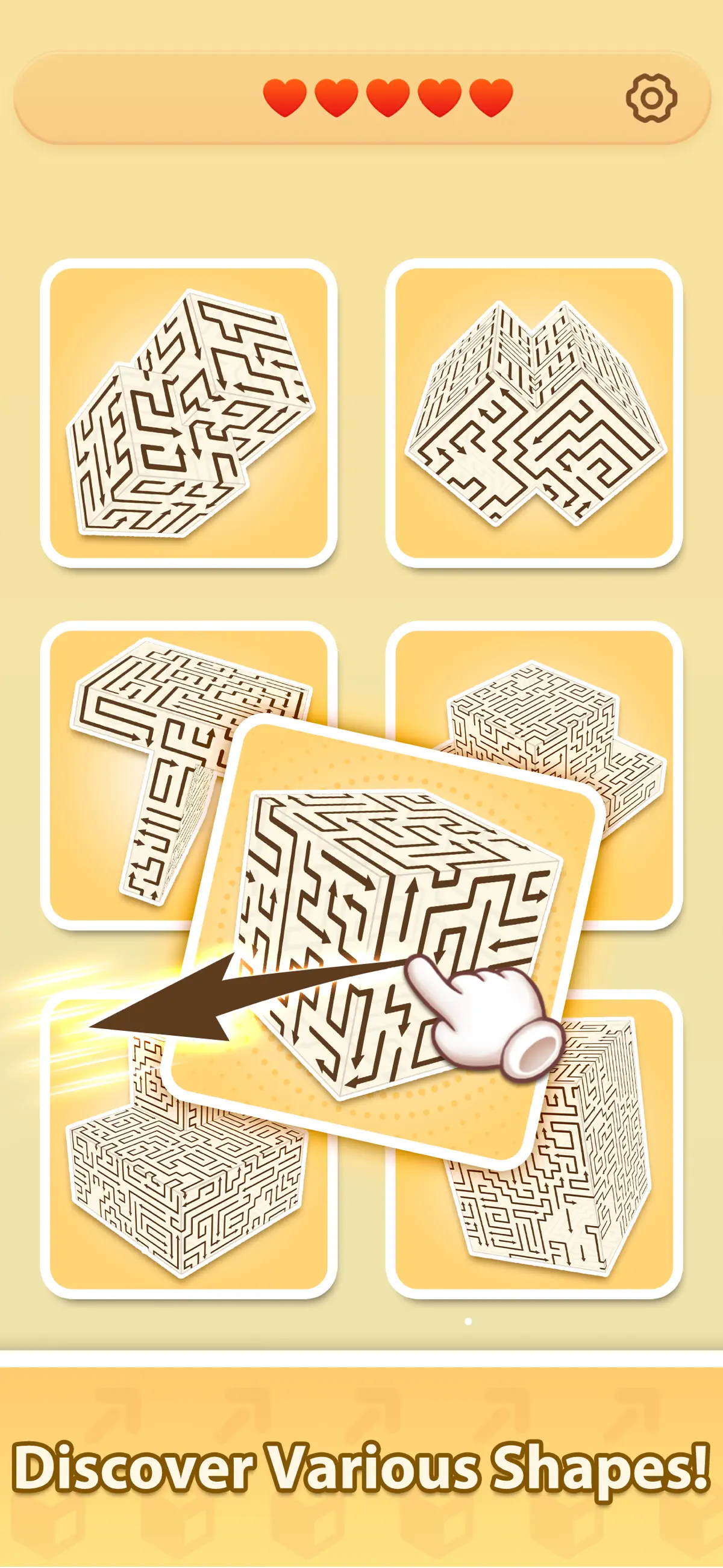
- Beginner-friendly compact cube layouts
- Medium difficulty spatial arrangements
- Large cube structures requiring careful reasoning
- Multi-stage solutions that reward planning and patience
Each layout presents a different arrangement that supports flexible thinking and encourages experimentation.
- Smooth and relaxing interactions
The overall experience focuses on steady pacing and visual clarity. Arrows glide across cube surfaces in a fluid motion. As elements disappear gradually, the cube becomes less crowded, creating a consistent visual rhythm.
A minimalist visual approach keeps attention on puzzle solving while maintaining readability during longer play sessions. Subtle animations provide visual feedback without distraction.
- Develop thinking skills naturally
Arrow Pro 3D offers a structured way to exercise reasoning skills while maintaining a calm environment.
Regular play supports:
- Spatial awareness
- Logical reasoning
- Planning ability
- Pattern recognition
- Problem-solving confidence
Players may spend time studying layouts carefully or proceed quickly through simpler puzzles. Each session supports observation and structured thinking.
- Designed for flexible play sessions
Whether there are only a few minutes available or a longer period of time, Arrow Pro 3D adapts comfortably to different schedules.Short puzzle layouts fit brief moments of play. Larger structures support longer sessions that encourage focused attention.
Suitable moments to play include:
- During short breaks
- While traveling
- Before rest
- During quiet moments
The structure supports gradual progression while maintaining a balanced level of challenge. Early puzzles provide clear learning opportunities, while later layouts require deeper reasoning and patience. Completing a puzzle often feels similar to solving a small mechanical structure.
Developer Phone: 852-66648880
Support Email: lumen.customerservice@outlook.com
Privacy Policy: https://sites.google.com/view/ios-pp-lumenstudio
User Agreement: https://sites.google.com/view/ios-lumenstudio-eula
One cube.
Hundreds of puzzles.
Endless possibilities.
What's new in Arrow Pro 3D v1.17.0
Sep 21, 2026Performance improvement.
How to install Arrow Pro 3D on iPhone & iPad
Method 1: With the IPA Game Store app
- Tap Get on IPA Game Store above, then download IPA Game Store in Safari on your iPhone or iPad.
- Open Settings › Profile Downloaded and tap Install. The app appears on your Home Screen.
- Open IPA Game Store and find Arrow Pro 3D.
Method 2: From the App Store
Arrow Pro 3D is also on the App Store. Installing it there means no signing and no 7-day refresh, and updates arrive automatically. View Arrow Pro 3D on the App Store.
Method 3: Sideload an IPA you own
If you have your own copy of the IPA file, sign and install it with LiveContainer, SideStore or AltStore. Our IPA install guide compares every method.
Having trouble? See why an IPA installation fails or installing IPA on iPad.
Arrow Pro 3D compatibility & known limitations
| Minimum iOS | iOS 15.0 or later |
|---|---|
| Devices | iPhone & iPad |
| Size | 322.6 MB download, plus extra data on first launch for many games |
| Internet | Online connection required |
| Release type | Official App Store release |
| Last checked | Not yet reviewed. Version data last changed Sep 21, 2026 |
Known limitations
- Installed from the App Store, so it updates automatically and needs no signing.
- Purchases, saved progress and sign-in with Game Center or social accounts can behave differently outside the App Store.
- Needs an internet connection. Servers can change or shut down at the developer's discretion.
Is Arrow Pro 3D safe?
Source & verification
- Source
- Official App Store release
- Type
- Official release
- Developer
- Lumen Studio
- Last verified
- Not yet reviewed
- SHA-256
- Not published
We host no IPA file for this game. It is installed from the developer's App Store listing, or through the free IPA Game Store app, which also installs from the App Store. How we check files · Report a problem
- Check before you install. Only install IPA files from sources you trust, and verify the checksum and signature first.
- Developer: Lumen Studio · Bundle ID
ios.arrow.cube.3d - Sandboxed. iOS runs every app in its own sandbox. A game cannot read your other apps' data without asking you.
- Age rating 4+. Use Screen Time to limit in-app purchases on a child's device.
- Avoid "modded" copies. Modified IPAs that promise unlimited coins can include tracking code and can get your account banned. Read more about IPA safety.
Arrow Pro 3D update history
| Version | Released | Size | Changes |
|---|---|---|---|
| v1.17.0 Latest | Sep 21, 2026 | 322.6 MB | Performance improvement. |
Arrow Pro 3D IPA — FAQ
How do I get Arrow Pro 3D on iPhone?
Is Arrow Pro 3D free?
What iOS version does Arrow Pro 3D need?
How big is Arrow Pro 3D?
Does Arrow Pro 3D work on iPad?
Is this a modded or clean IPA file?
More puzzle IPA games
See all → Candy Crush Saga
King
★ 4.7
 Block Blast!
Hungry Studio
★ 4.9
 Township
Playrix
★ 4.8
 Gardenscapes
Playrix
★ 4.7
 Word Connect ¤
ZenLife Games Pte. Ltd.
★ 4.8
 AMAZE!!!
Crazy Labs
★ 4.7
 Royal Kingdom
Dream Games
★ 4.7
 Words of Wonders: Crossword
FUGO BILISIM TEKNOLOJILERI VE YAZILIM TICARET ANONIM SIRKETI
★ 4.9
