

⌂ Family game · ✈ Offline
Classic Solitaire. IPA
by 蕾 郭
- 4.2 3K ratings
- v2.2.084Version
- 235.8 MBSize
- iOS 15.0+Requires
- 4+Age
Free · 235.8 MB · iOS 15.0 or later
Classic Solitaire. screenshots

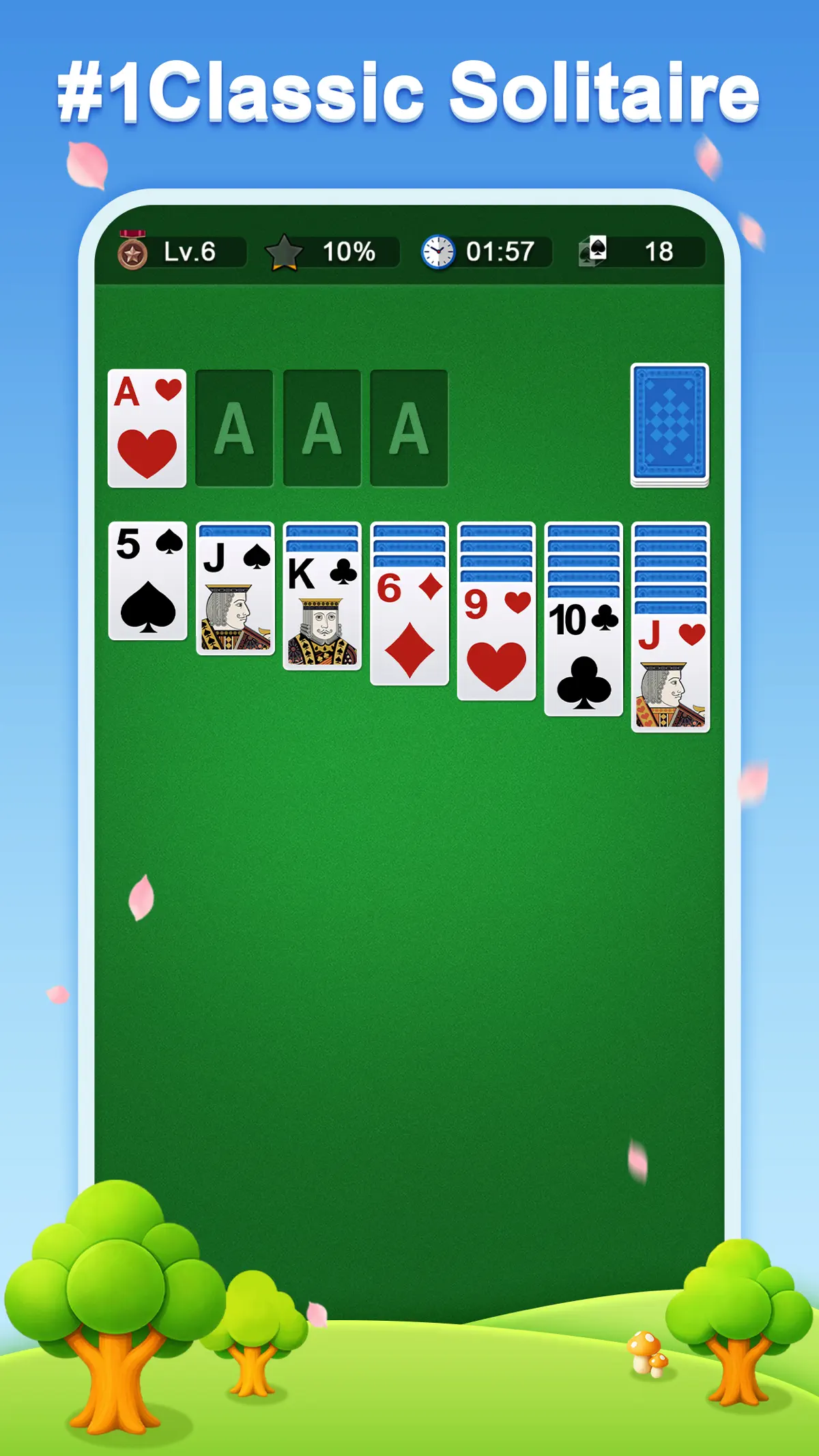
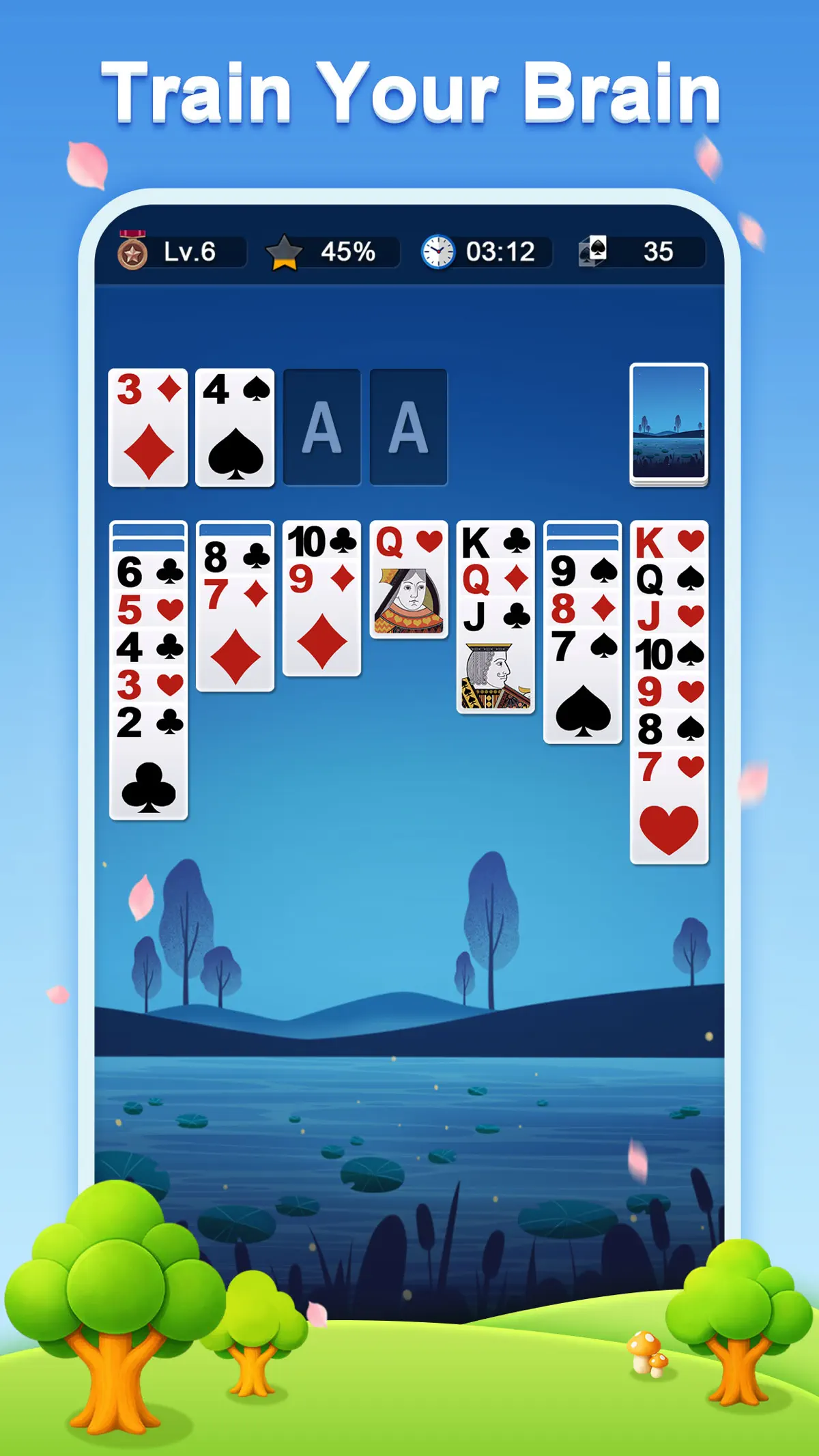
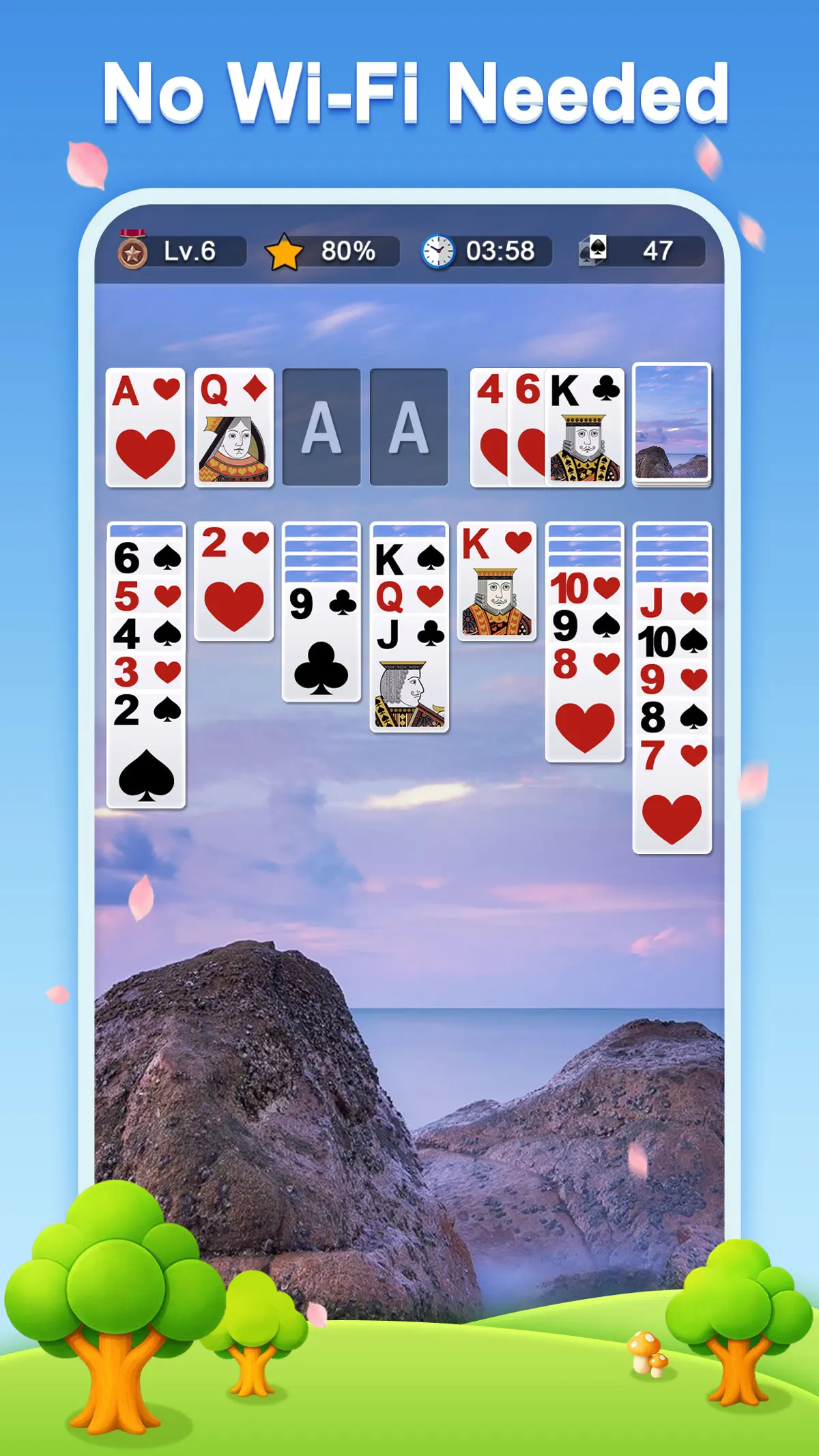
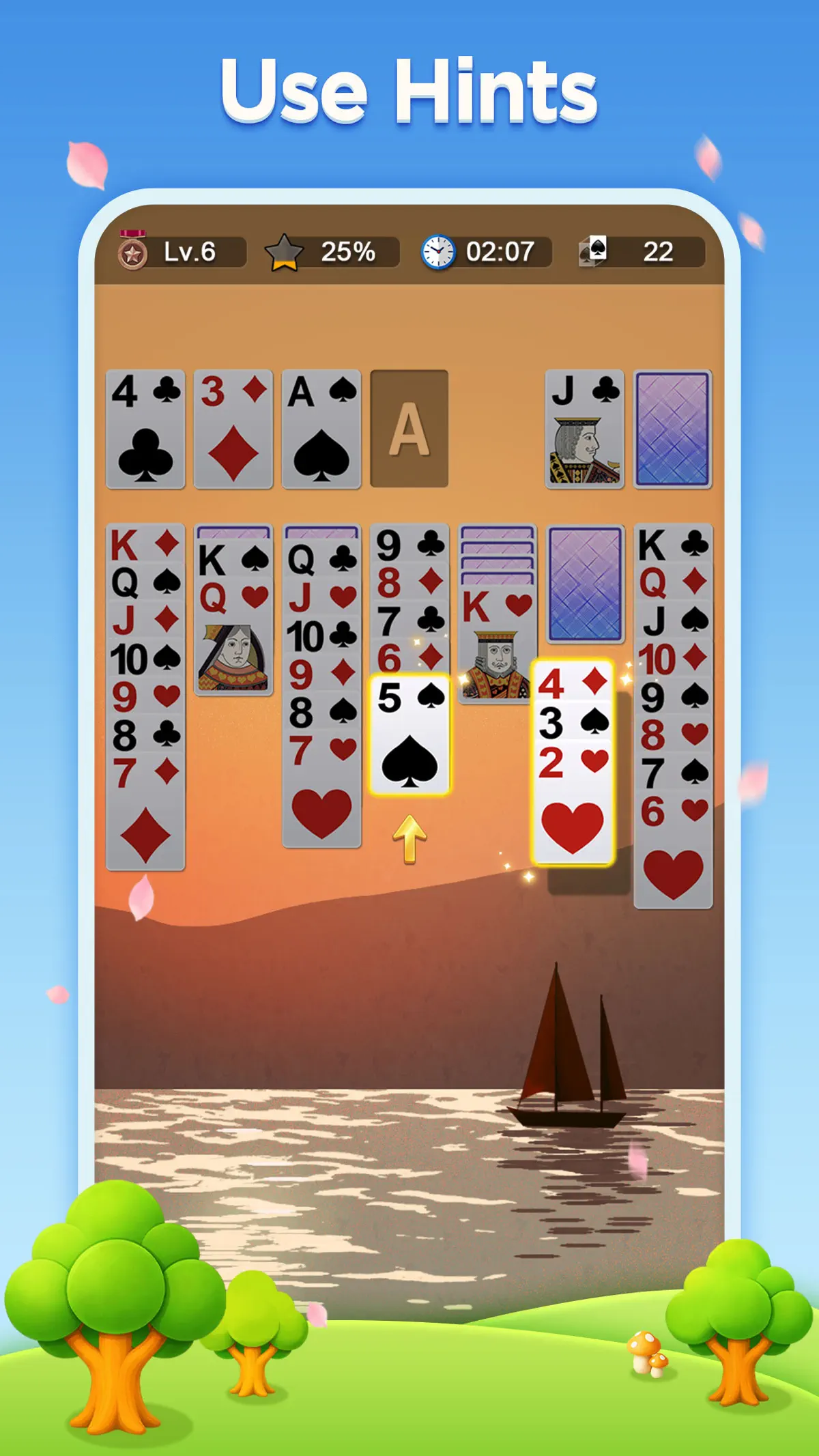
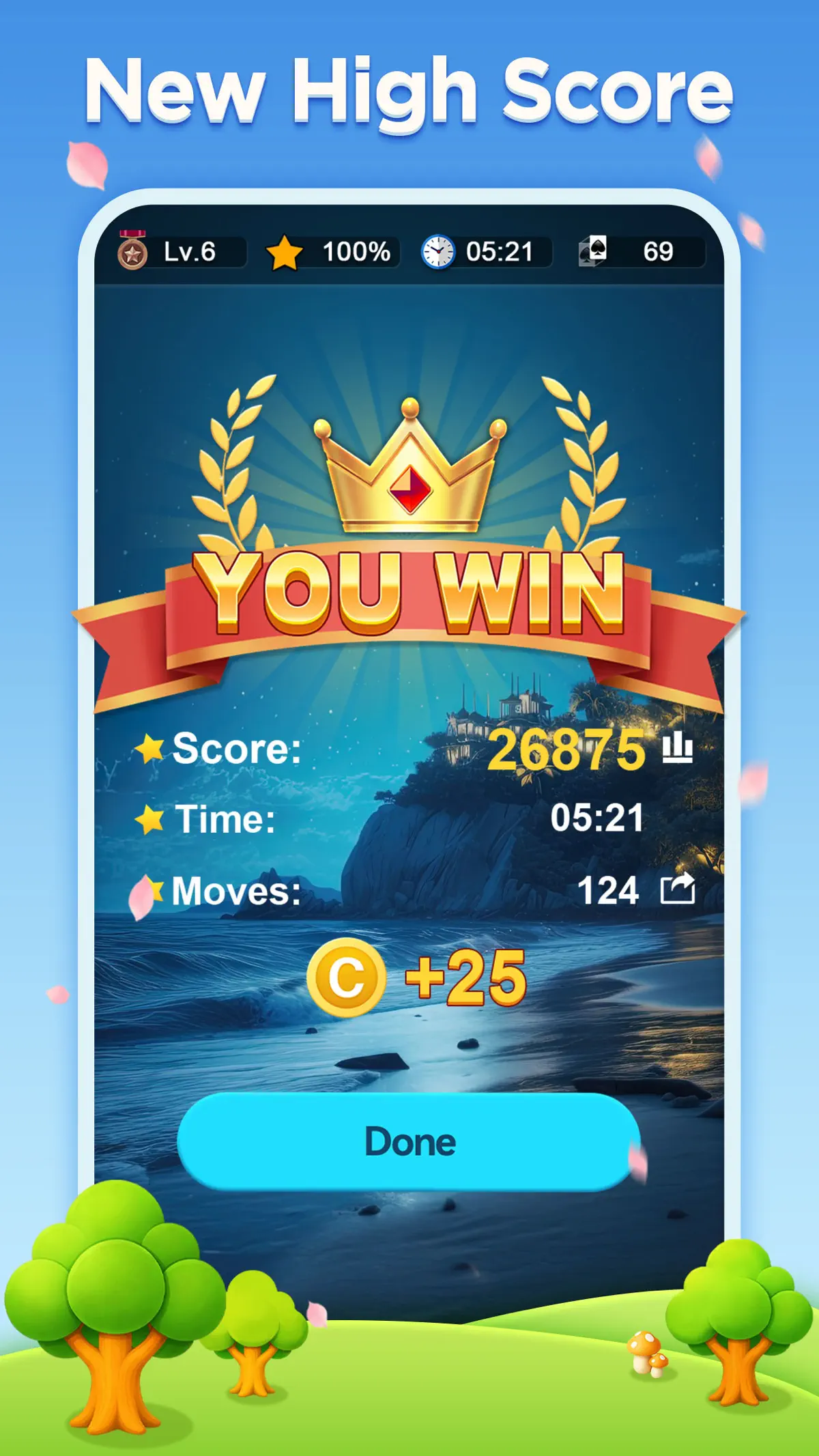


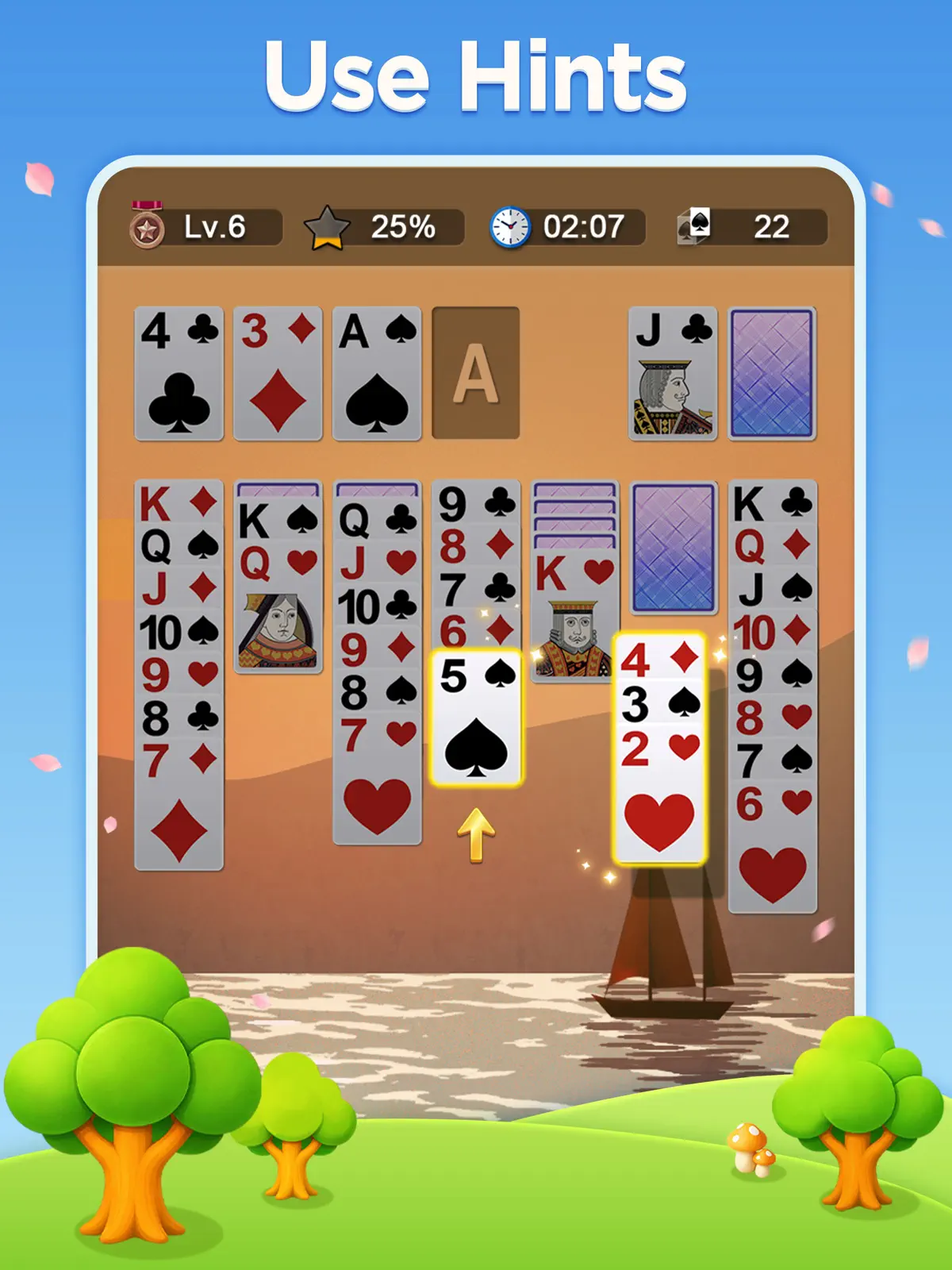
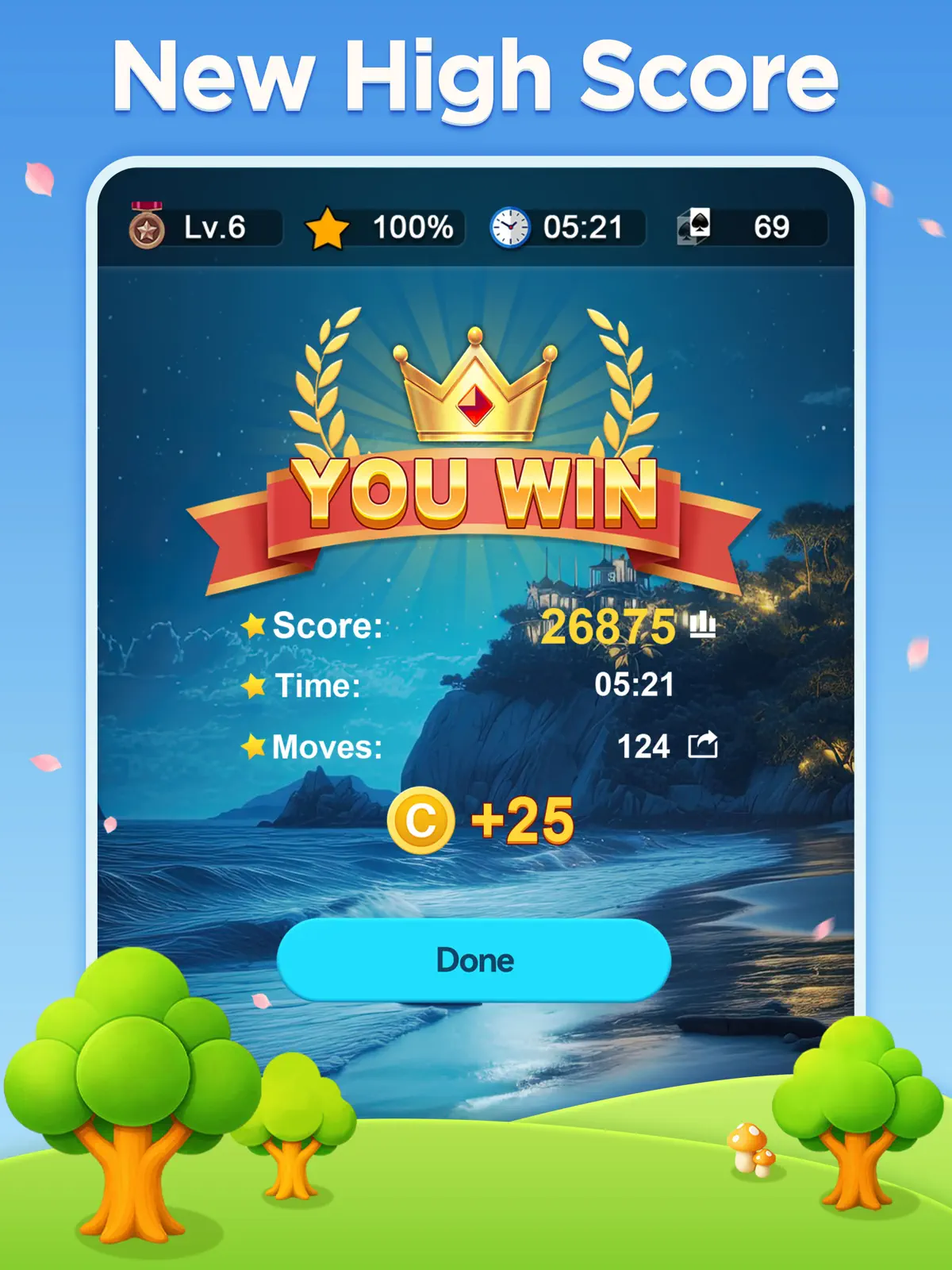
Classic Solitaire. for iPhone & iPad
Play Classic Solitaire – Fun, Relaxing, and 100% Free to Play!
Enjoy the timeless charm of Classic Solitaire – one of the most beloved classic card games! Whether you have a few minutes to unwind or want to play for hours, this timeless Solitaire card game lets you play at your own pace anytime, anywhere—no wifi needed!
Solitaire, also known as Patience, is a classic card game loved by players of all ages, including adults, seniors, and classic card game lovers. If you love classic card games like FreeCell, Spider, Pyramid, TriPeaks, or Yukon, you'll feel right at home with this smooth and satisfying single-player Classic Solitaire experience.
It's more than just a card game – it's a relaxing way to unwind, challenge yourself, and become a Solitaire or Patience master!
Key Features:
- No In-App Purchases: Enjoy the full Classic Solitaire experience without in-app purchases, hidden upgrades, or paid unlocks.
- Play Anytime, Anywhere: No wifi? No problem. Enjoy a free offline Solitaire game, perfect for travel, commuting, or relaxing at home.
- Simple Controls. Tap or drag cards easily with smooth, responsive controls designed for relaxing play.
- Classic Solitaire Gameplay: Enjoy timeless Solitaire gameplay with satisfying card movement and familiar rules.
- Daily Challenges: Take on new challenges every day to earn trophies, coins, and exclusive rewards.
- Rewarding Events: Complete limited-time and special events to collect postcards and build your festive collection.
- Large, Easy-to-See Cards: Play more comfortably with large, easy-to-see solitaire cards that make every move easy to follow.
- Auto-Complete: Finish winning games faster with the auto-complete feature when all remaining moves are clear.
- Magic Help: Use Magic to complete sequences and move them to the Foundation when you need a little extra help.
- Customizable Themes: Personalize your solitaire game with dozens of backgrounds, including cats, dogs, nature, and flowers, along with diverse card faces and backs.
- Draw-1 and Draw-3 Modes: Choose your preferred challenge and play Classic Solitaire card game your way. Left- or right-handed mode is also supported.
- Dynamic Winning Animations: Celebrate every victory with lively, animated effects that add extra excitement and joy.
Fair and Enjoyable Solitaire for Everyone
We're committed to giving you a great experience — fair, supportive, and rewarding:
- Carefully Designed Deals. Enjoy thoughtful Solitaire deals that feel fair, balanced, and satisfying to play.
- Helpful Tools. Use unlimited undos, hints, and extra support to keep your Solitaire game smooth and relaxing.
- Generous Rewards. Earn bonuses as you play and enjoy more ways to make Classic Solitaire feel your own.
How to Play Classic Solitaire:
In this free and addictive Solitaire card puzzle game, the goal is to move all 52 solitaire cards from a single deck to 4 Solitaire Foundations, sorted by 4 suits - hearts, diamonds, spades, and clubs. Each Foundation is built up in order from Ace to King. In the tableau, solitaire cards can be stacked in descending order, alternating red and black.
Download Classic Solitaire now! Relax your mind, train your brain, and enjoy this free solitaire game anytime, anywhere – Play for free!
What's new in Classic Solitaire. v2.2.084
Aug 27, 2026Bug Fixes and Performance Improvements.
How to install Classic Solitaire. on iPhone & iPad
Method 1: With the IPA Game Store app
- Tap Get on IPA Game Store above, then download IPA Game Store in Safari on your iPhone or iPad.
- Open Settings › Profile Downloaded and tap Install. The app appears on your Home Screen.
- Open IPA Game Store and find Classic Solitaire..
Method 2: From the App Store
Classic Solitaire. is also on the App Store. Installing it there means no signing and no 7-day refresh, and updates arrive automatically. View Classic Solitaire. on the App Store.
Method 3: Sideload an IPA you own
If you have your own copy of the IPA file, sign and install it with LiveContainer, SideStore or AltStore. Our IPA install guide compares every method.
Having trouble? See why an IPA installation fails or installing IPA on iPad.
Classic Solitaire. compatibility & known limitations
| Minimum iOS | iOS 15.0 or later |
|---|---|
| Devices | iPhone & iPad |
| Size | 235.8 MB download, plus extra data on first launch for many games |
| Internet | Offline play supported |
| Release type | Official App Store release |
| Last checked | Not yet reviewed. Version data last changed Aug 27, 2026 |
Known limitations
- Installed from the App Store, so it updates automatically and needs no signing.
- Purchases, saved progress and sign-in with Game Center or social accounts can behave differently outside the App Store.
Is Classic Solitaire. safe?
Source & verification
- Source
- Official App Store release
- Type
- Official release
- Developer
- 蕾 郭
- Last verified
- Not yet reviewed
- SHA-256
- Not published
We host no IPA file for this game. It is installed from the developer's App Store listing, or through the free IPA Game Store app, which also installs from the App Store. How we check files · Report a problem
- Check before you install. Only install IPA files from sources you trust, and verify the checksum and signature first.
- Developer: 蕾 郭 · Bundle ID
com.glcindy.solitaire.card - Sandboxed. iOS runs every app in its own sandbox. A game cannot read your other apps' data without asking you.
- Age rating 4+. Use Screen Time to limit in-app purchases on a child's device.
- Avoid "modded" copies. Modified IPAs that promise unlimited coins can include tracking code and can get your account banned. Read more about IPA safety.
Classic Solitaire. update history
| Version | Released | Size | Changes |
|---|---|---|---|
| v2.2.084 Latest | Aug 27, 2026 | 235.8 MB | Bug Fixes and Performance Improvements. |
Classic Solitaire. IPA — FAQ
How do I get Classic Solitaire. on iPhone?
Is Classic Solitaire. free?
What iOS version does Classic Solitaire. need?
How big is Classic Solitaire.?
Does Classic Solitaire. work on iPad?
Is this a modded or clean IPA file?
Can I play Classic Solitaire. offline?
More family IPA games
See all → MONOPOLY GO!
Scopely, Inc.
★ 4.8
 Trivia Crack: Brain Quiz Games
Etermax
★ 4.6
 UNO!™
Mattel Game Studios HK Limited
★ 4.7
 Coloring Match
SUPERSONIC STUDIOS LTD
★ 4.5
 Spades *
Fiogonia Games
★ 4.6
 Monster High™ Beauty Salon
Crazy Labs
★ 4.6
 Sky: Children of the Light
thatgamecompany
★ 4.8
 Yahtzee® with Buddies Dice
Scopely, Inc.
★ 4.5
