

Color Block: Combo Blast IPA
by FLYYES TECHNOLOGY PTE. LTD.
- 4.9 84.3K ratings
- v9.4Version
- 359.2 MBSize
- iOS 15.0+Requires
- 4+Age
Free · 359.2 MB · iOS 15.0 or later
Color Block: Combo Blast screenshots
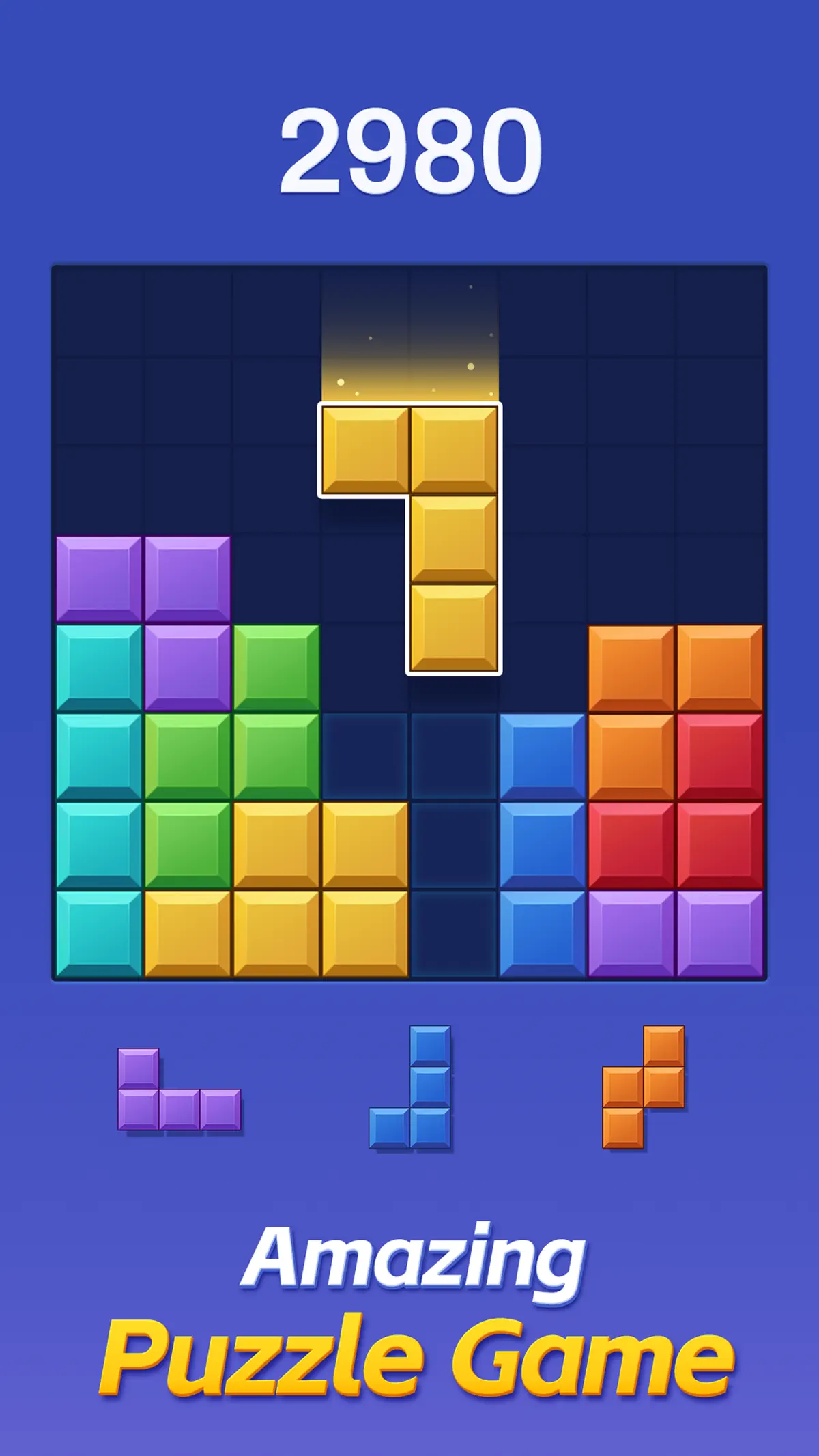
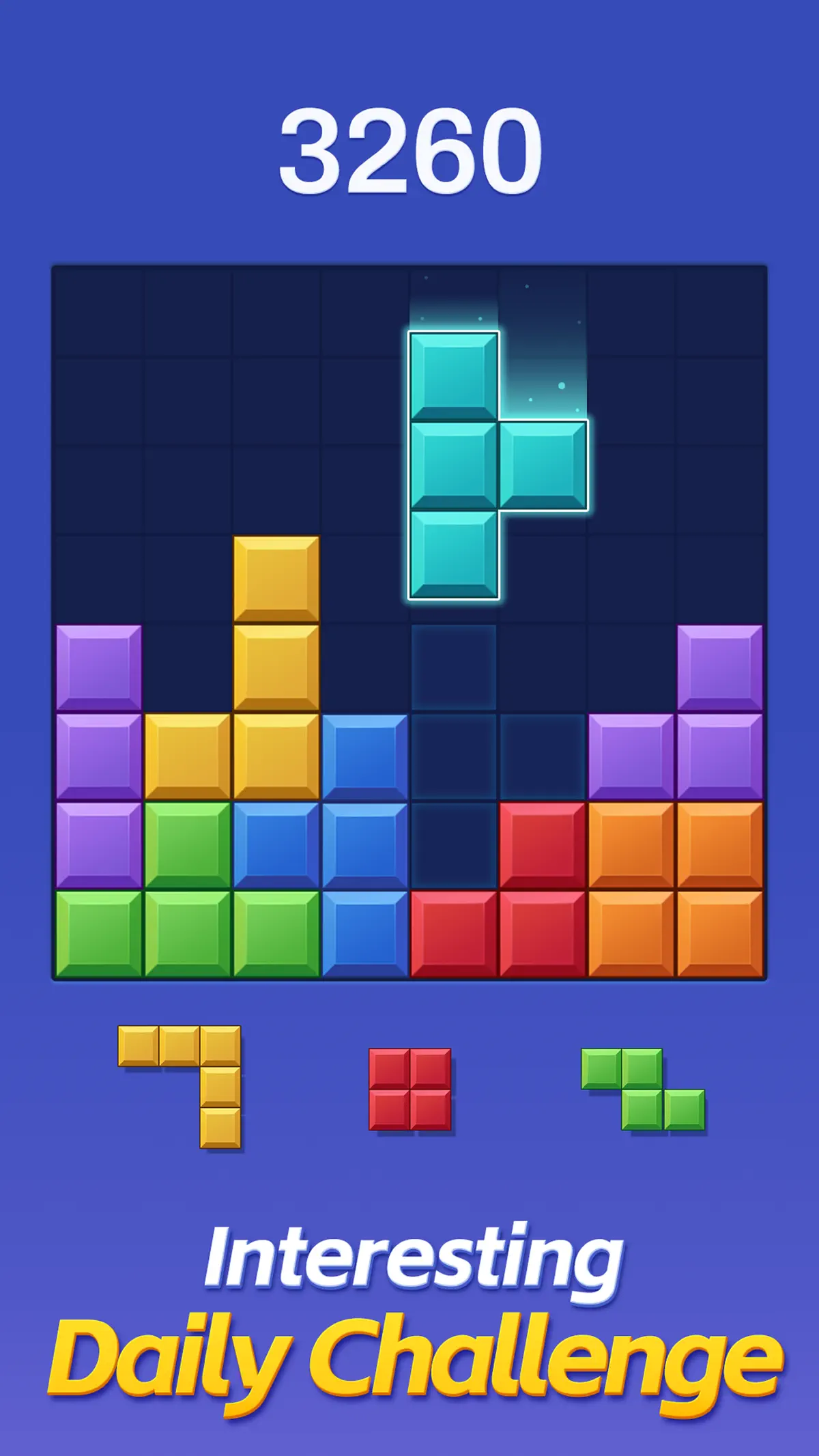
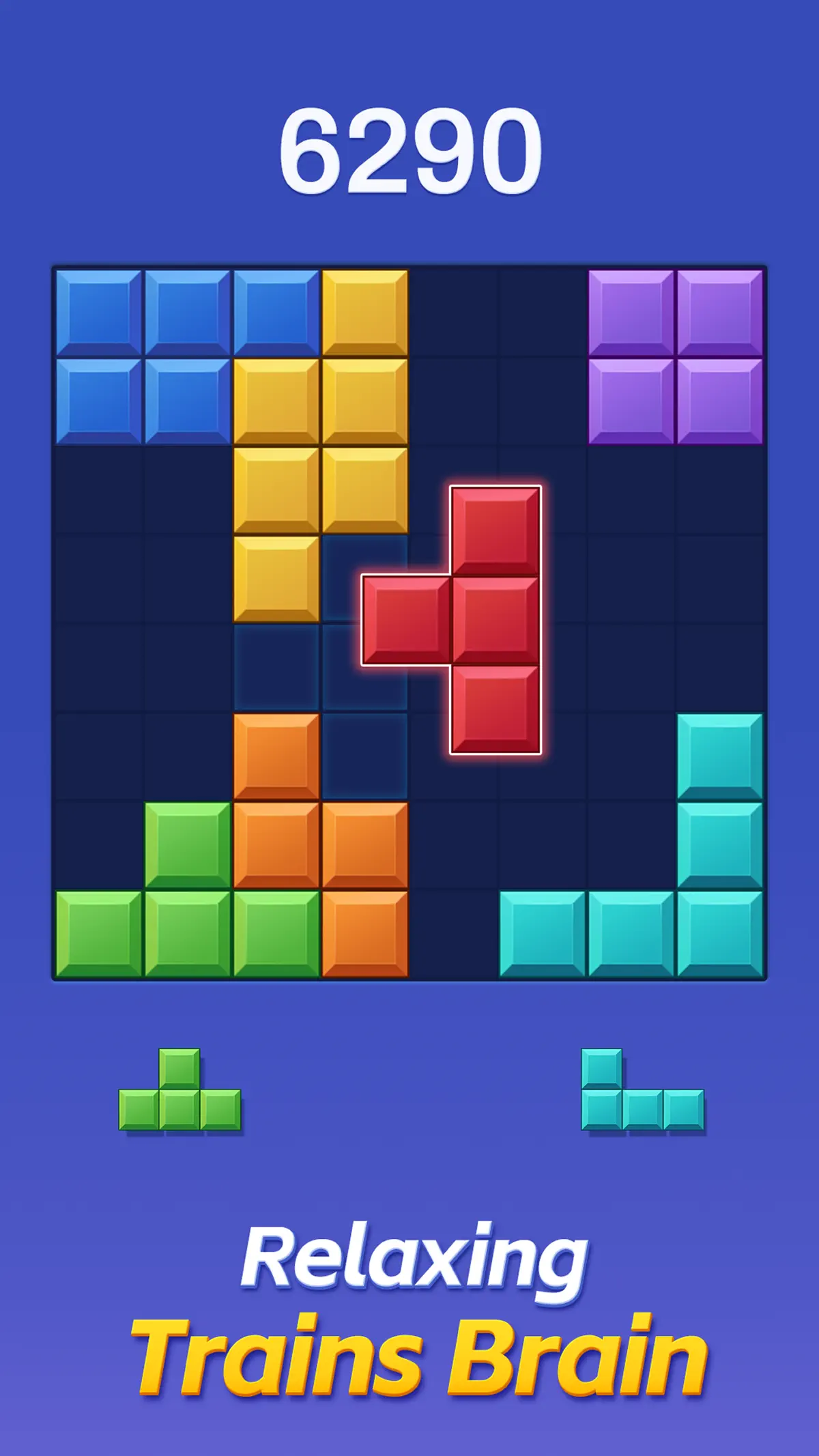
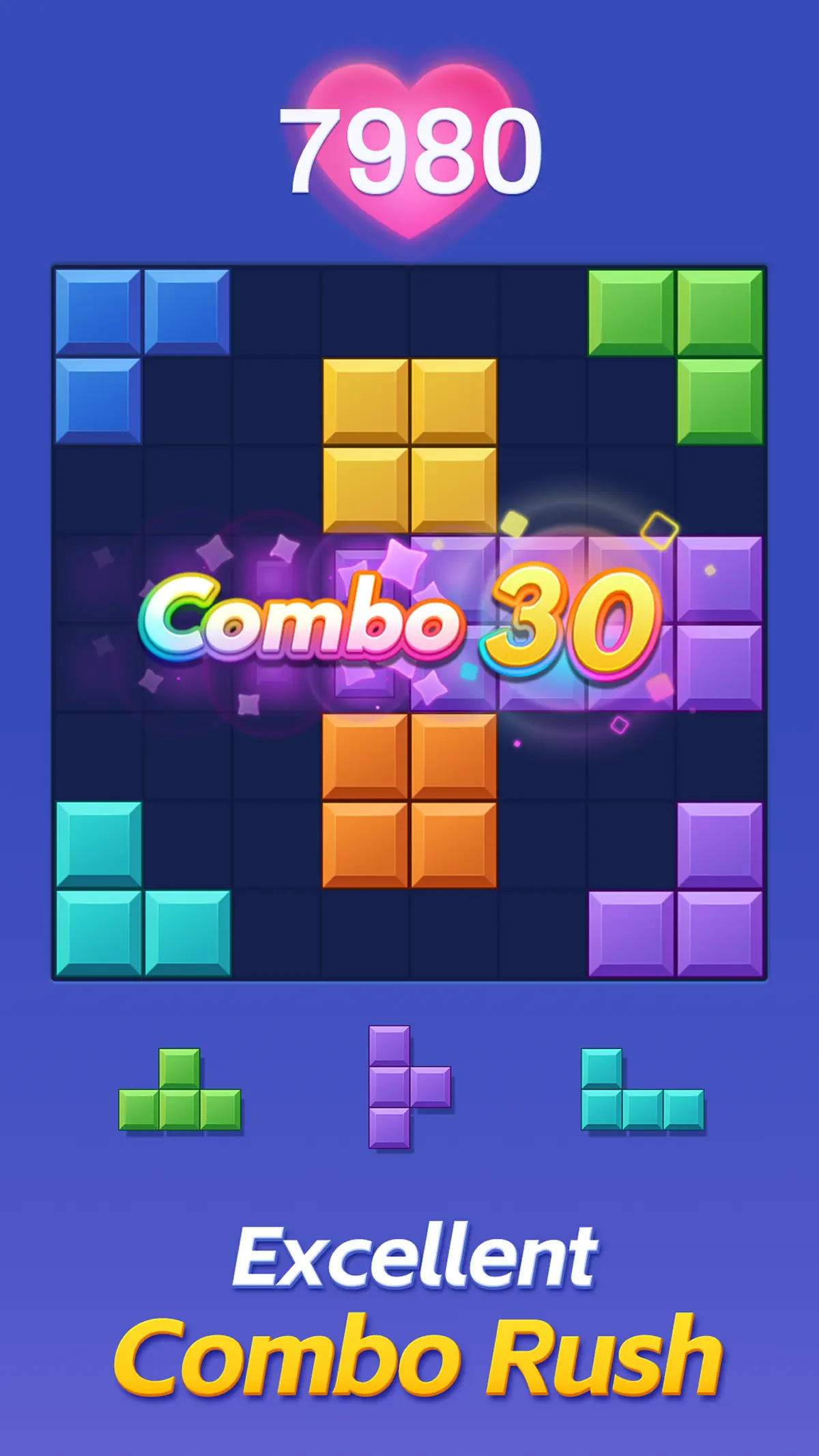

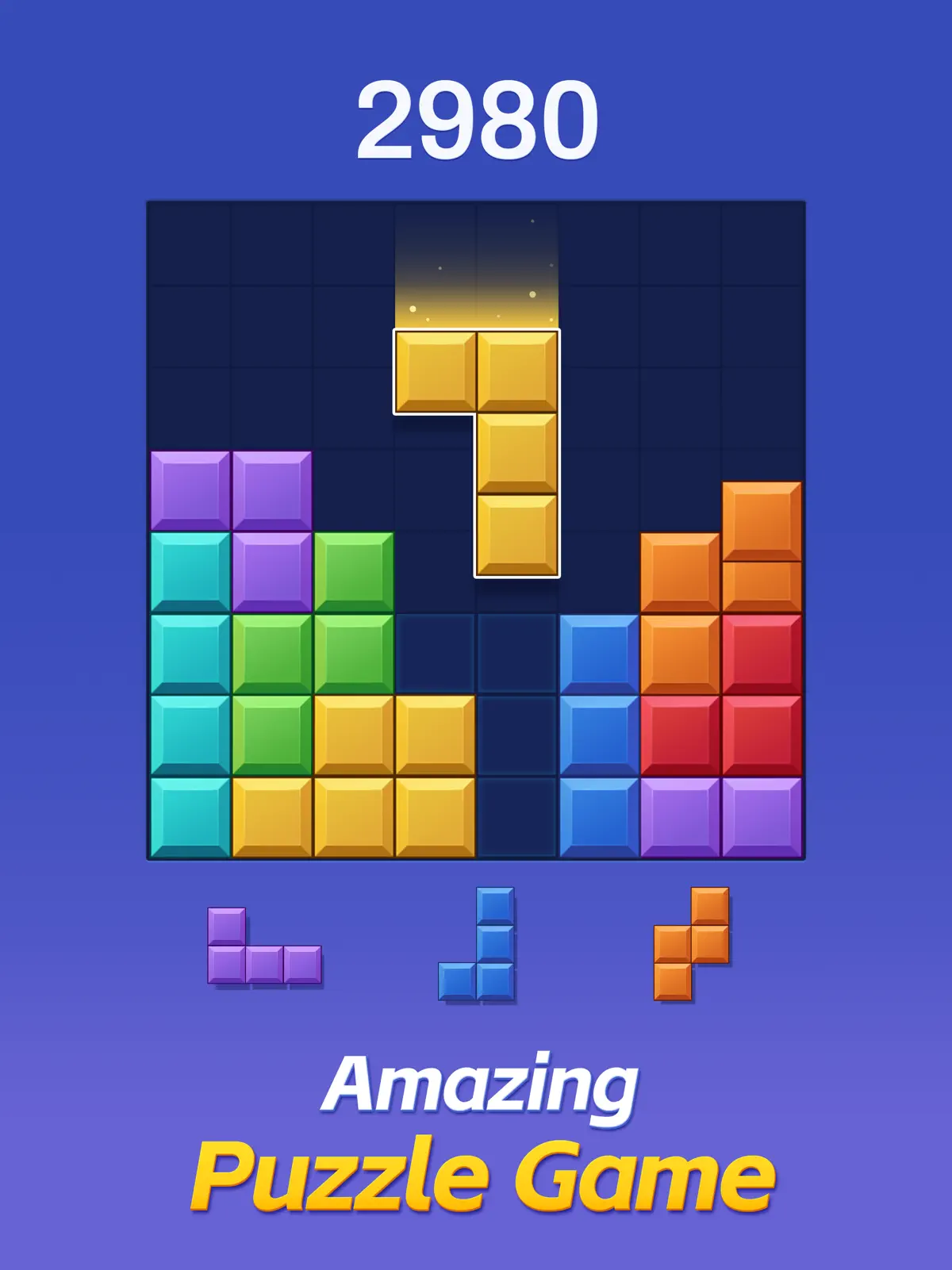

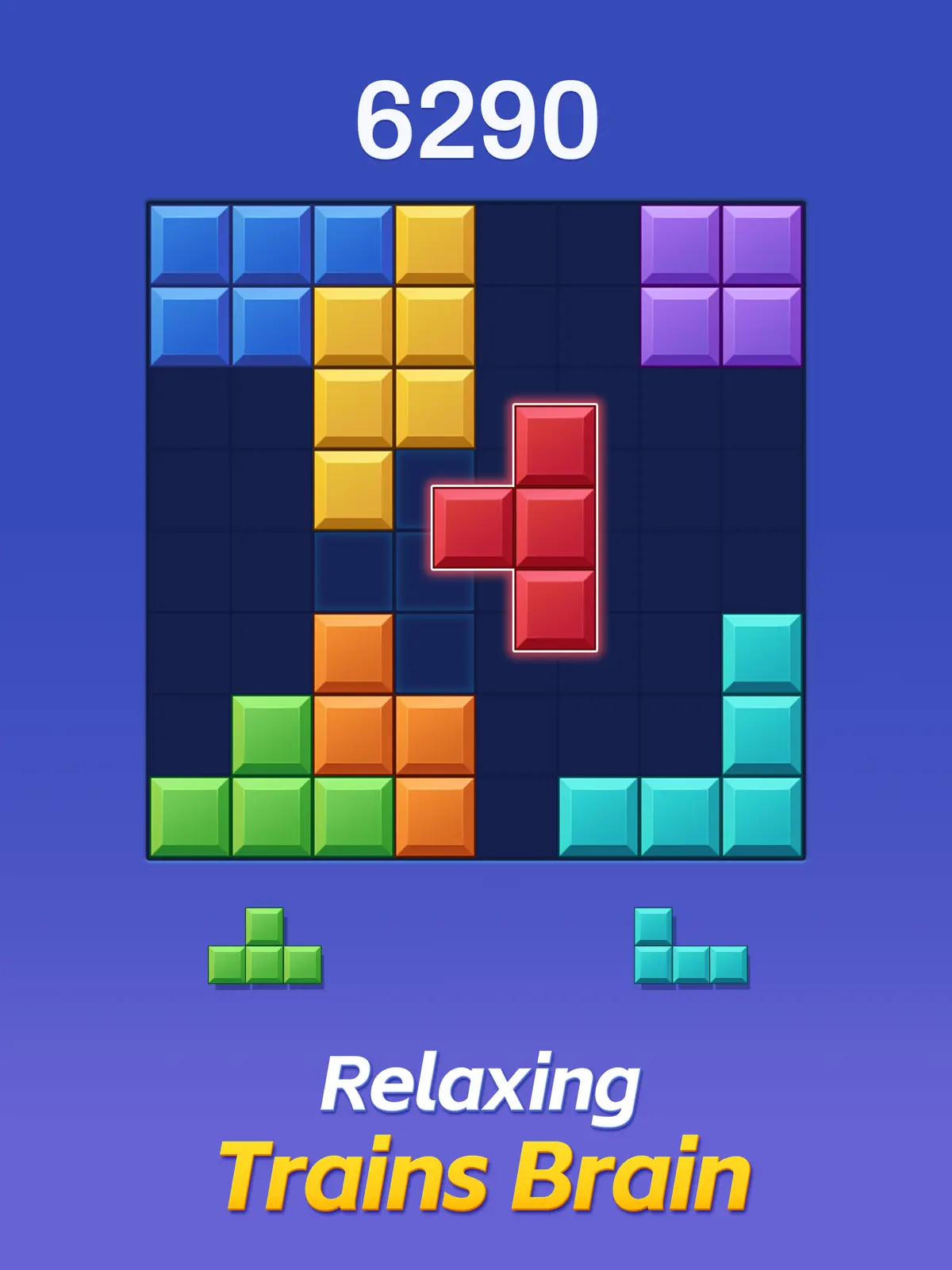


Color Block: Combo Blast for iPhone & iPad
Color Block: The Ultimate Classic Block Puzzle Adventure
Experience the Timeless Classic of Block Puzzle Games with a Classic Twist!
Color Block is the ultimate fusion of strategic thinking and vibrant fun, bringing the classic block-dropping gameplay into a new dimension of block puzzles. This free block game is designed for puzzle enthusiasts seeking an adventure that challenges the brain and provides endless entertainment.
Key Features of Color Block:
- Classic Block-Dropping Gameplay: Enjoy the familiar joy of block-dropping action, reimagined for a new generation of puzzle games.
- Puzzle Mastery: Test your wits and outsmart the game with strategic moves to clear lines and rack up points.
- Block Games Redefined: The classic block blast experience gets a fresh update, perfect for both new and seasoned players.
- Brain-Boosting Adventure: Engage in a mental workout that stimulates your cognitive skills and hones your problem-solving abilities.
- Classic Challenge: Dive into the nostalgia of classic block puzzles with a modern twist that keeps you hooked.
- Stunning Visuals: Immerse yourself in the vibrant colors and animations that bring each block to life.
How to Play Color Block:
- Drag and Drop: Touch and move the blocks to the 8x8 grid with intuitive mechanics.
- Strategic Clearing: Aim to fill rows or columns to clear them and score points.
- Combo Creation: Keep your combos alive by clearing lines within three moves, pushing your puzzle prowess to new heights.
- Non-Rotatable Blocks: Add a layer of complexity and strategy to your gameplay, as blocks don't rotate, challenging you to think ahead.
Tips for Becoming a Block Puzzle Master:
- Anticipate and Plan: Visualize several moves ahead to set up the perfect combo chains.
- Optimize Space: Use the grid efficiently to maximize block placement options and create more clearing opportunities.
- Patience is Key: Take your time to strategize; quick moves can sometimes disrupt the potential for high-scoring combos.
- Adapt and Overcome: As the game progresses, adapt your strategy to the evolving patterns and challenges.
Embark on a brain-stimulating adventure that bridges the gap between classic and modern block games. Color Block offers a unique blend of classic block-dropping action and puzzle-solving fun, providing a classic challenge with a fresh twist.
Privacy Policy: http://www.flyyestechnology.com/index.php/privacy-policy/
Terms Of Use:http://http://www.flyyestechnology.com/index.php/terms-of-use/
What's new in Color Block: Combo Blast v9.4
Sep 24, 2026Keep the fun going with Color Block! Update for new features and a smoother experience.
How to install Color Block: Combo Blast on iPhone & iPad
Method 1: With the IPA Game Store app
- Tap Get on IPA Game Store above, then download IPA Game Store in Safari on your iPhone or iPad.
- Open Settings › Profile Downloaded and tap Install. The app appears on your Home Screen.
- Open IPA Game Store and find Color Block: Combo Blast.
Method 2: From the App Store
Color Block: Combo Blast is also on the App Store. Installing it there means no signing and no 7-day refresh, and updates arrive automatically. View Color Block: Combo Blast on the App Store.
Method 3: Sideload an IPA you own
If you have your own copy of the IPA file, sign and install it with LiveContainer, SideStore or AltStore. Our IPA install guide compares every method.
Having trouble? See why an IPA installation fails or installing IPA on iPad.
Color Block: Combo Blast compatibility & known limitations
| Minimum iOS | iOS 15.0 or later |
|---|---|
| Devices | iPhone & iPad |
| Size | 359.2 MB download, plus extra data on first launch for many games |
| Internet | Online connection required |
| Release type | Official App Store release |
| Last checked | Not yet reviewed. Version data last changed Sep 24, 2026 |
Known limitations
- Installed from the App Store, so it updates automatically and needs no signing.
- Purchases, saved progress and sign-in with Game Center or social accounts can behave differently outside the App Store.
- Needs an internet connection. Servers can change or shut down at the developer's discretion.
Is Color Block: Combo Blast safe?
Source & verification
- Source
- Official App Store release
- Type
- Official release
- Developer
- FLYYES TECHNOLOGY PTE. LTD.
- Last verified
- Not yet reviewed
- SHA-256
- Not published
We host no IPA file for this game. It is installed from the developer's App Store listing, or through the free IPA Game Store app, which also installs from the App Store. How we check files · Report a problem
- Check before you install. Only install IPA files from sources you trust, and verify the checksum and signature first.
- Developer: FLYYES TECHNOLOGY PTE. LTD. · Bundle ID
com.colorblock.blockpuzzle.colorblockgame - Sandboxed. iOS runs every app in its own sandbox. A game cannot read your other apps' data without asking you.
- Age rating 4+. Use Screen Time to limit in-app purchases on a child's device.
- Avoid "modded" copies. Modified IPAs that promise unlimited coins can include tracking code and can get your account banned. Read more about IPA safety.
Color Block: Combo Blast update history
| Version | Released | Size | Changes |
|---|---|---|---|
| v9.4 Latest | Sep 24, 2026 | 359.2 MB | Keep the fun going with Color Block! Update for new features and a smoother experience. |


