

Rolling Lion IPA
by Dongguan Jisha Technology Co., Ltd
- 2.7 46 ratings
- v1.0.6Version
- 189.6 MBSize
- iOS 15.6+Requires
- 17+Age
Free · 189.6 MB · iOS 15.6 or later
Rolling Lion screenshots
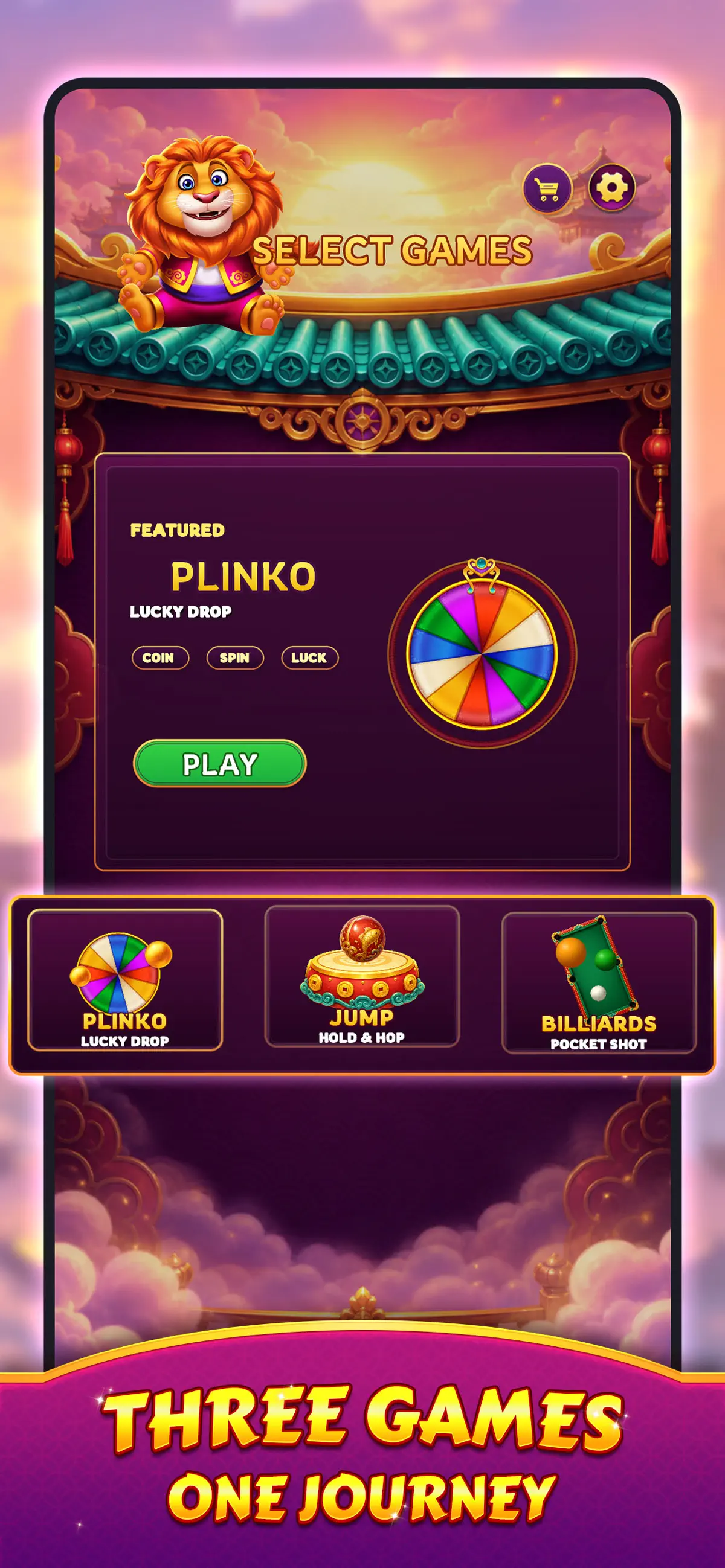


Rolling Lion for iPhone & iPad
Welcome to Rolling Lion!
Join the cheerful lion on a colorful arcade adventure inspired by traditional Eastern art and playful challenges.
Rolling Lion combines three unique game modes into one exciting experience. Drop, jump, and aim your way through a variety of challenges while collecting balls, earning coins, and unlocking beautiful ball.
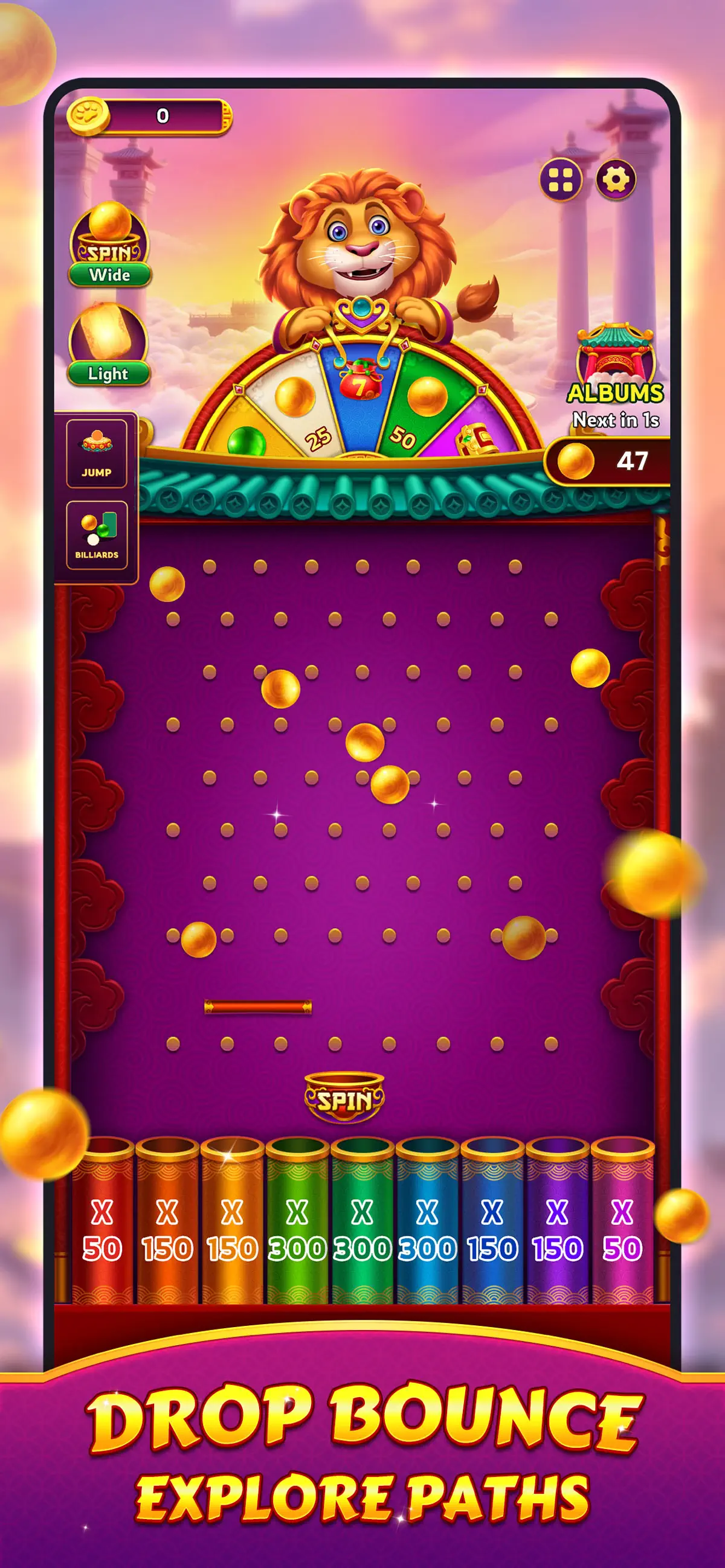
Drop Challenge
Release balls onto a peg-filled board and watch them bounce through different paths.
Every drop is unique. Guide your strategy, discover new outcomes, and collect coins as balls reach reward slots at the bottom.
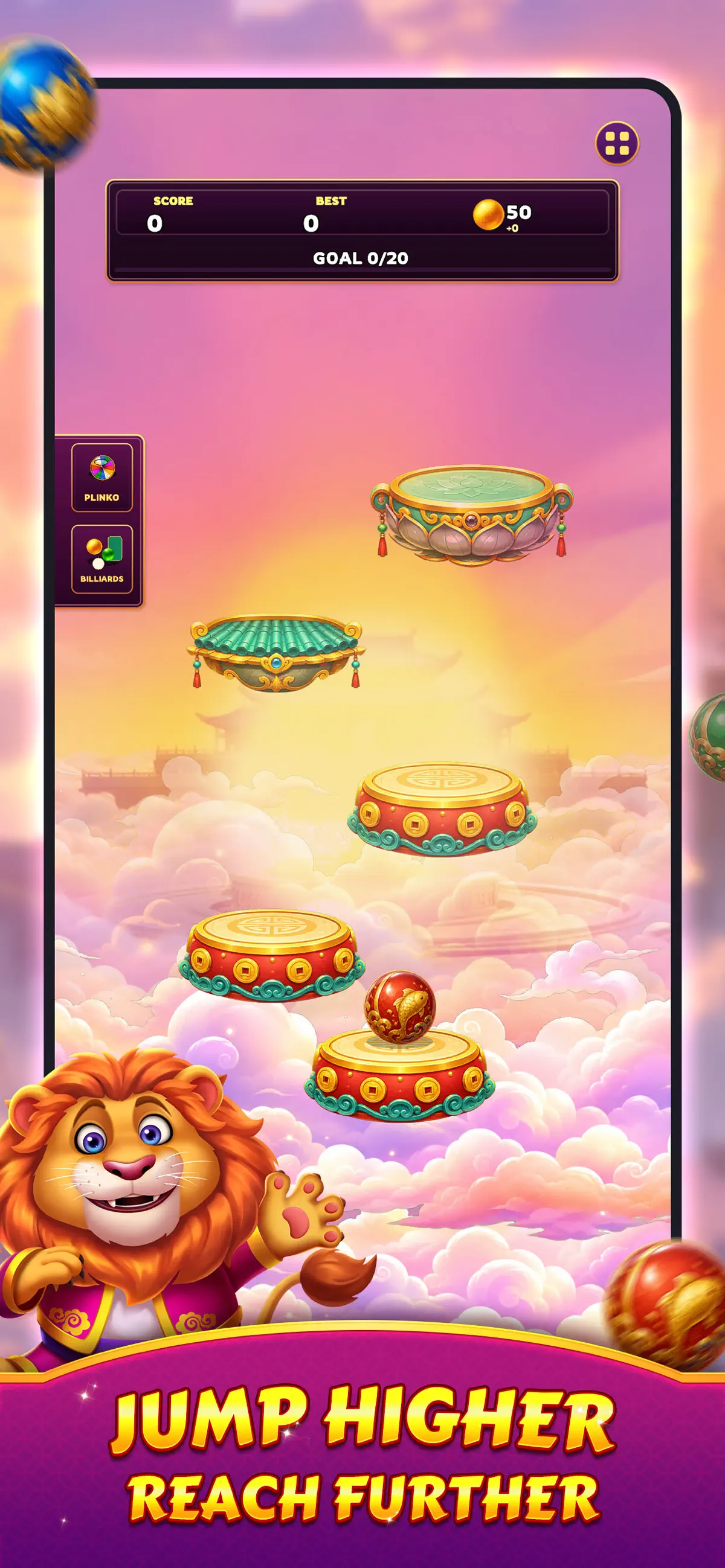
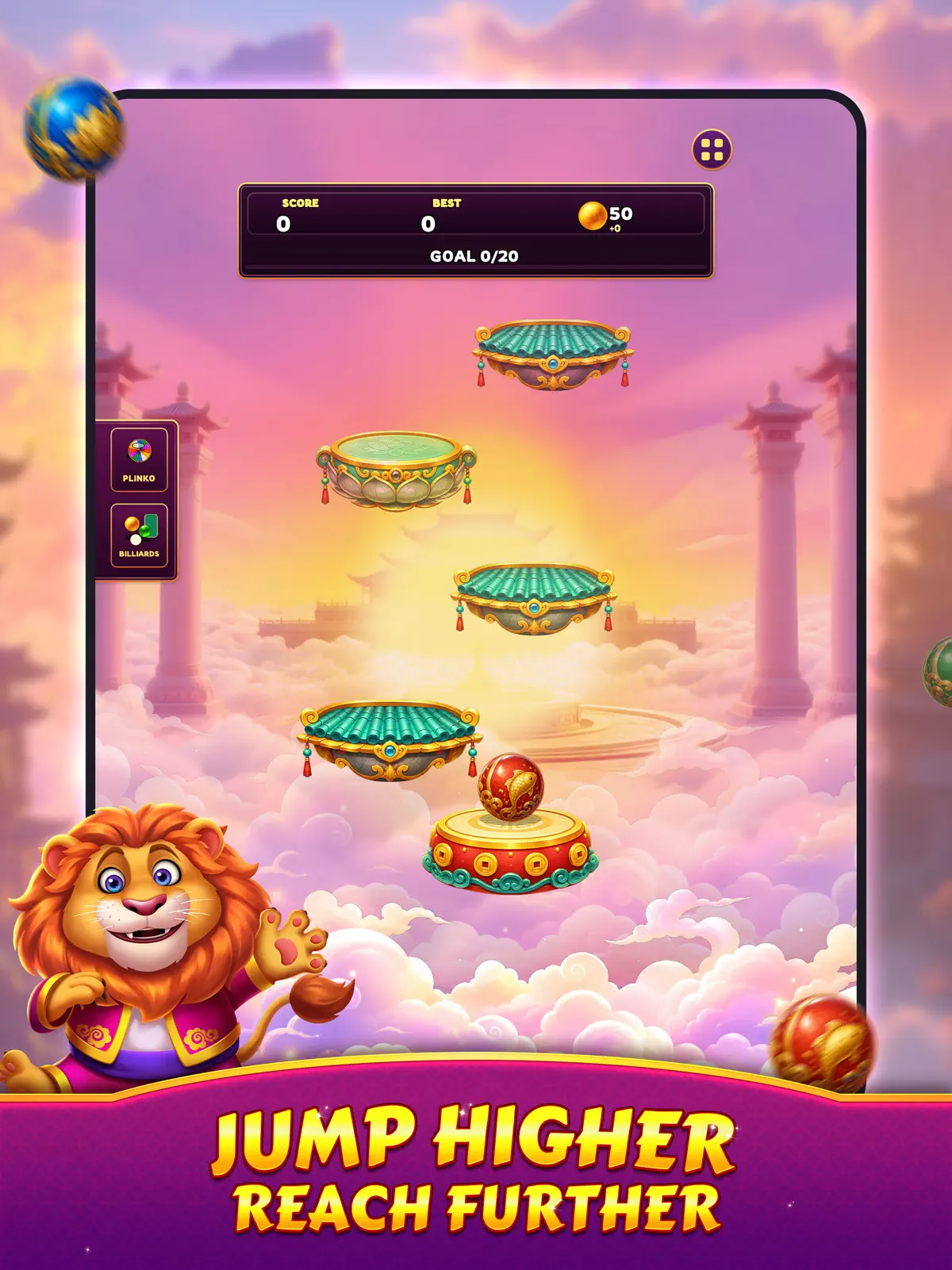
Jump Challenge
Help the ball climb higher and higher.
Control its direction, land on platforms, and reach milestone heights to earn additional balls for your journey.
The higher you go, the greater the challenge.
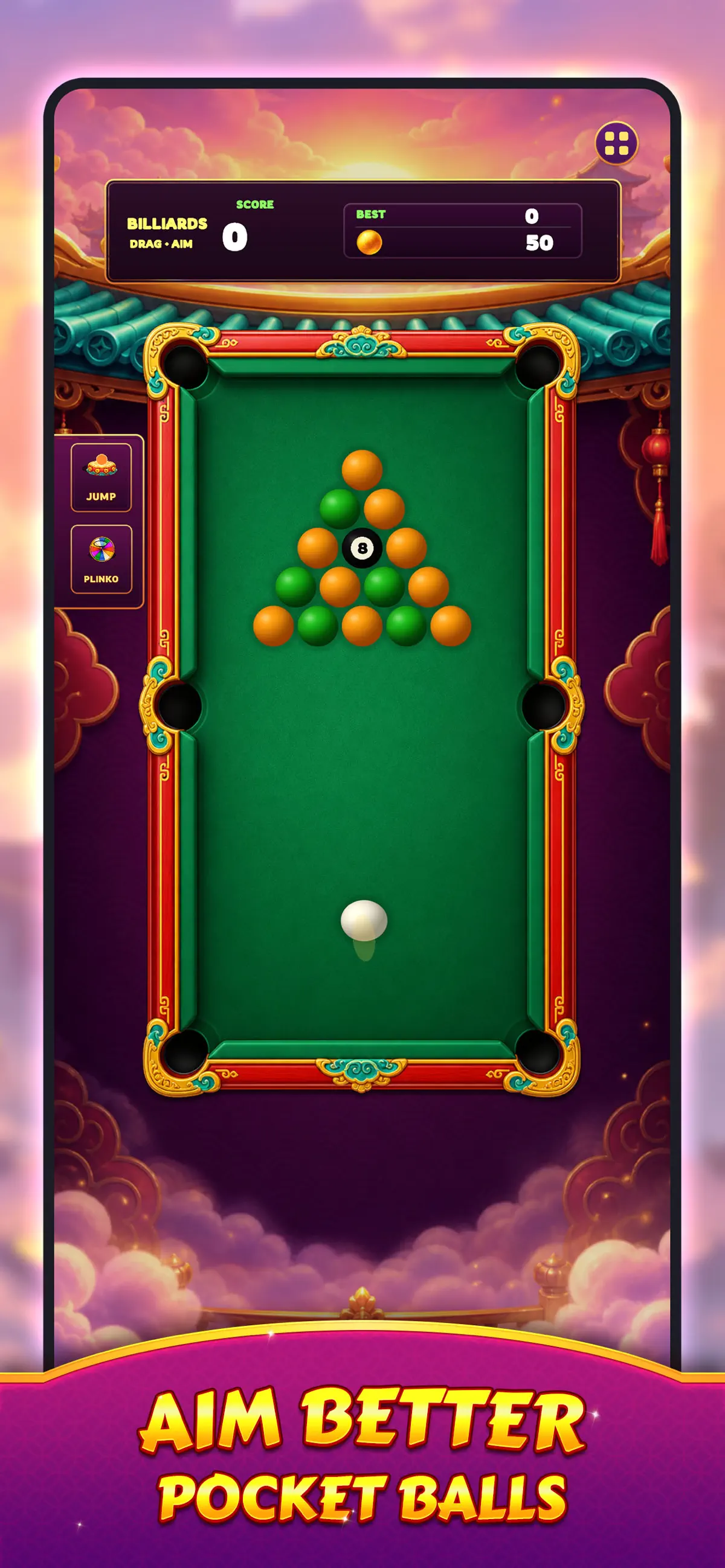
Pocket ShotTest your aim in a billiards-inspired challenge.
Adjust your angle, strike the ball, and sink successful shots into the pockets. Complete stages to collect more balls and continue progressing.
Connected Progression
Every game mode contributes to your adventure:
Earn balls through Jump Challenge
Collect additional balls in Pocket Shot
Use balls in Drop Challenge
Earn coins through successful drops
Unlock decorative ball and customization options
Unlock Unique Ball!
Discover a growing collection of beautifully crafted ball designs inspired by traditional motifs, colorful patterns, and artistic themes.
Start rolling today and see how far your adventure can go!
What's new in Rolling Lion v1.0.6
Sep 9, 2026Bug Fix
How to install Rolling Lion on iPhone & iPad
Method 1: With the IPA Game Store app
- Tap Get on IPA Game Store above, then download IPA Game Store in Safari on your iPhone or iPad.
- Open Settings › Profile Downloaded and tap Install. The app appears on your Home Screen.
- Open IPA Game Store and find Rolling Lion.
Method 2: From the App Store
Rolling Lion is also on the App Store. Installing it there means no signing and no 7-day refresh, and updates arrive automatically. View Rolling Lion on the App Store.
Method 3: Sideload an IPA you own
If you have your own copy of the IPA file, sign and install it with LiveContainer, SideStore or AltStore. Our IPA install guide compares every method.
Having trouble? See why an IPA installation fails or installing IPA on iPad.
Rolling Lion compatibility & known limitations
| Minimum iOS | iOS 15.6 or later |
|---|---|
| Devices | iPhone & iPad |
| Size | 189.6 MB download, plus extra data on first launch for many games |
| Internet | Online connection required |
| Release type | Official App Store release |
| Last checked | Not yet reviewed. Version data last changed Sep 9, 2026 |
Known limitations
- Installed from the App Store, so it updates automatically and needs no signing.
- Purchases, saved progress and sign-in with Game Center or social accounts can behave differently outside the App Store.
- Needs an internet connection. Servers can change or shut down at the developer's discretion.
Is Rolling Lion safe?
Source & verification
- Source
- Official App Store release
- Type
- Official release
- Developer
- Dongguan Jisha Technology Co., Ltd
- Last verified
- Not yet reviewed
- SHA-256
- Not published
We host no IPA file for this game. It is installed from the developer's App Store listing, or through the free IPA Game Store app, which also installs from the App Store. How we check files · Report a problem
- Check before you install. Only install IPA files from sources you trust, and verify the checksum and signature first.
- Developer: Dongguan Jisha Technology Co., Ltd · Bundle ID
com.lionlion.rollingdrop - Sandboxed. iOS runs every app in its own sandbox. A game cannot read your other apps' data without asking you.
- Age rating 17+. Use Screen Time to limit in-app purchases on a child's device.
- Avoid "modded" copies. Modified IPAs that promise unlimited coins can include tracking code and can get your account banned. Read more about IPA safety.
Rolling Lion update history
| Version | Released | Size | Changes |
|---|---|---|---|
| v1.0.6 Latest | Sep 9, 2026 | 189.6 MB | Bug Fix |
Rolling Lion IPA — FAQ
How do I get Rolling Lion on iPhone?
Is Rolling Lion free?
What iOS version does Rolling Lion need?
How big is Rolling Lion?
Does Rolling Lion work on iPad?
Is this a modded or clean IPA file?
More casino IPA games
See all → Quick Hit Casino - Vegas Slots
Appchi Media Ltd
★ 4.8
 Bingo Blitz™ - BINGO Games
Playtika Santa Monica, LLC
★ 4.7
 Blitz - Win Cash
Blitz Games
★ 4.6
 Gold Fish Casino Slots Games
Phantom EFX, Inc.
★ 4.9
 Classic Slots™ - Casino Games
Slots Limited
★ 4.9
 Lotsa Slots™ Casino Slots Game
SpinX Games Limited
★ 4.8
 Cash Frenzy™ - Slots Casino
SpinX Games Limited
★ 4.7
 Bubble Cash
Papaya Gaming
★ 4.7
