
pokerecomp IPA
by Decryptu
- v0.1.75Version
- 24.9 MBSize
- iOS 15.0+Requires
Free · 24.9 MB · iOS 15.0 or later
pokerecomp screenshots
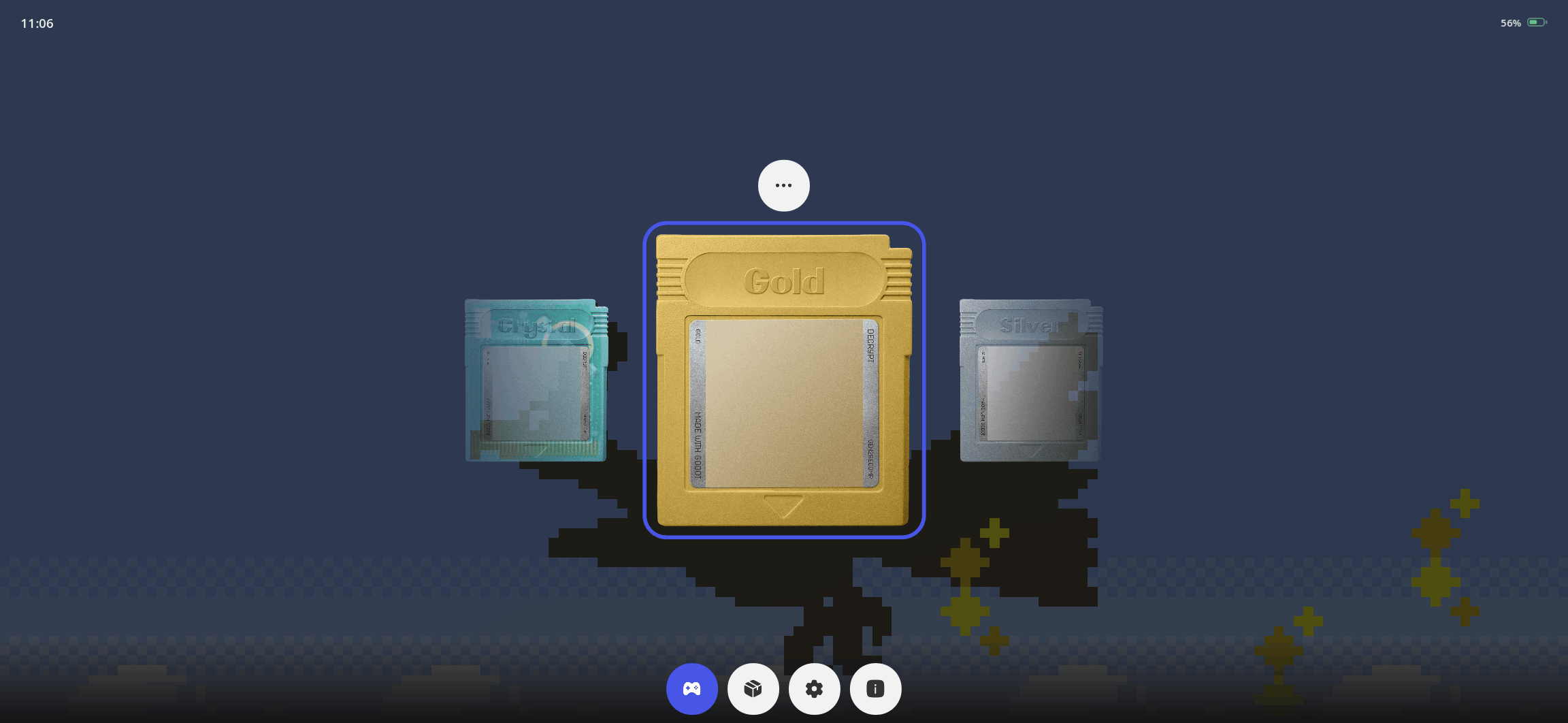
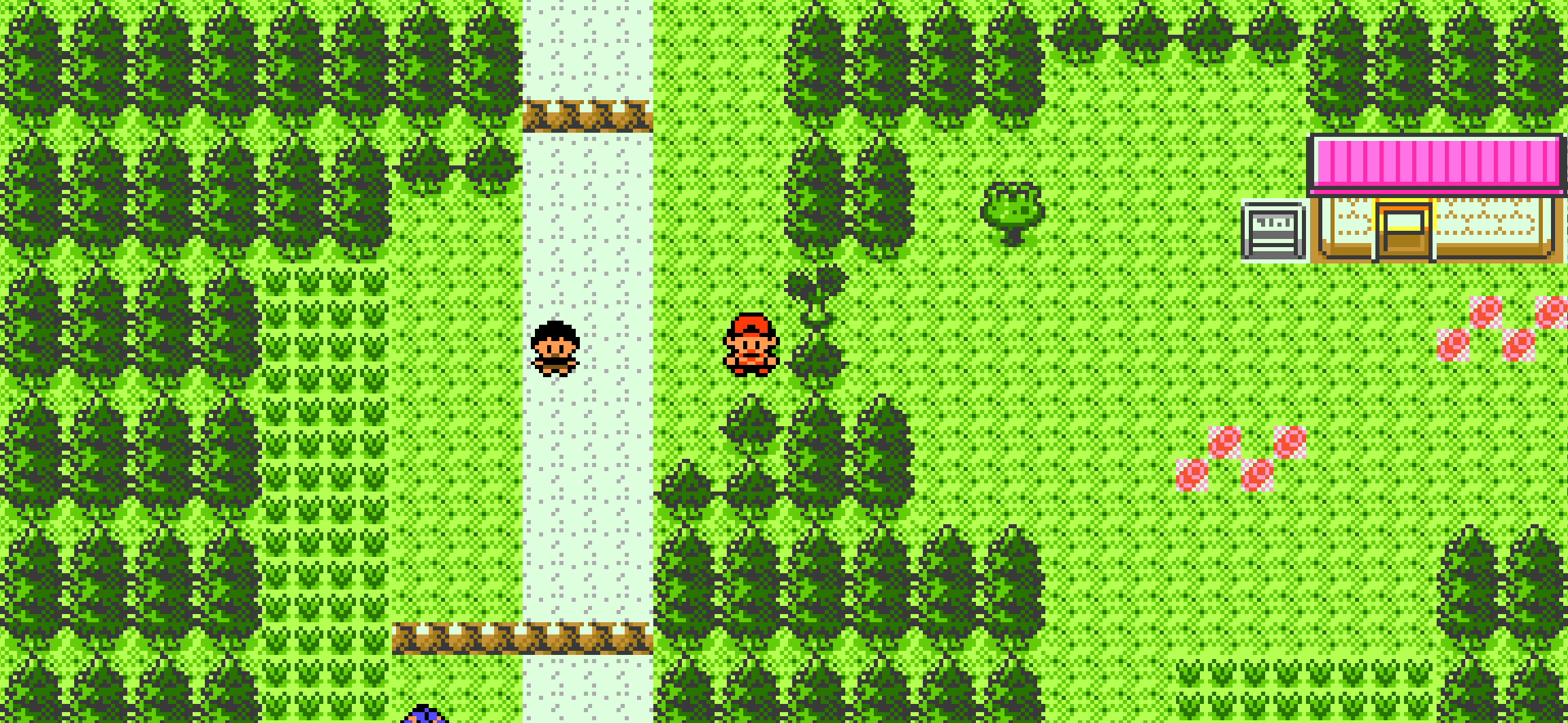
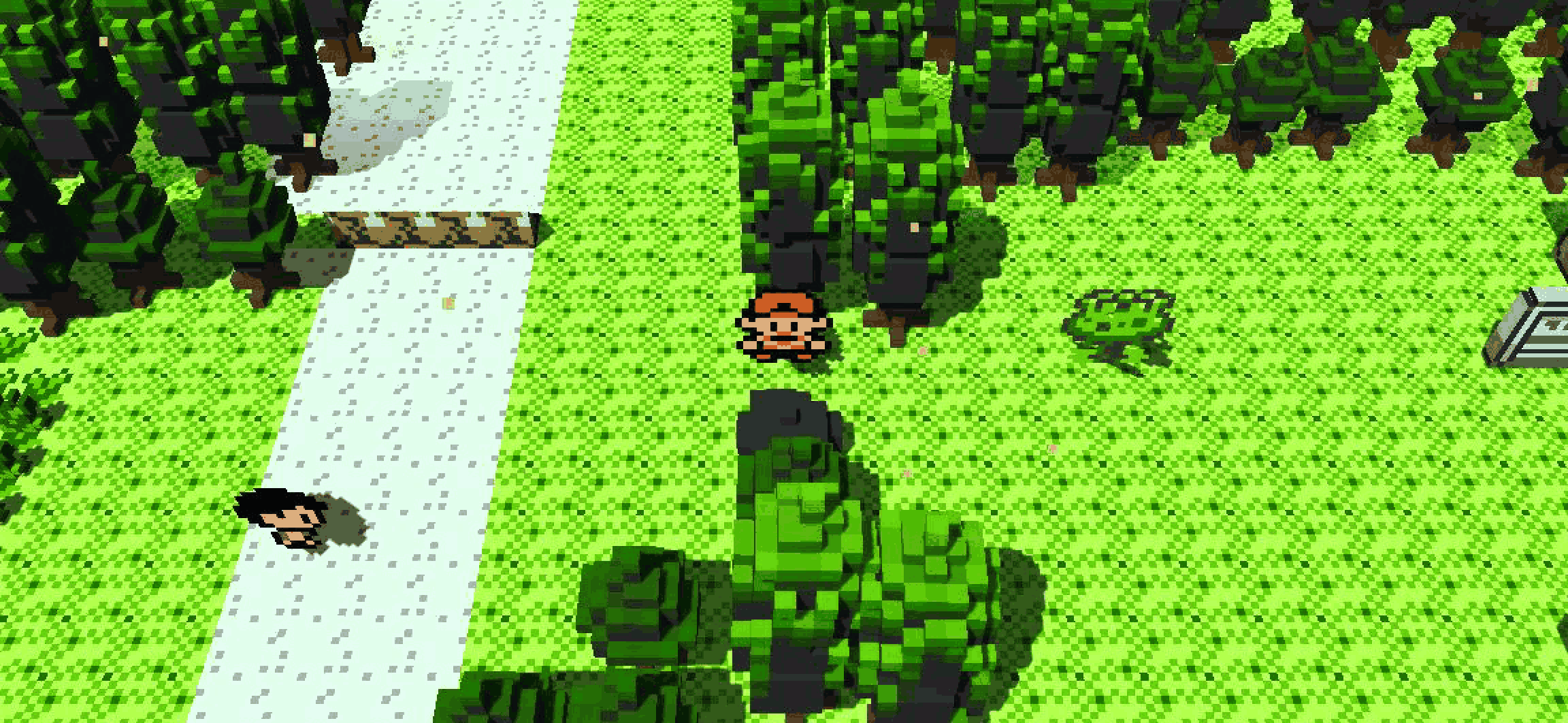
pokerecomp for iPhone & iPad
PokéRecomp
PokéRecomp is a native reimplementation of the Generation I and Generation II Pokémon games, including Pokémon Red, Blue, Yellow, Gold, Silver, and Crystal. Built from scratch using Godot 4 and GDScript, it recreates the original games without relying on an emulator, static recompilation, or a disassembly.
The project offers a native approach to experiencing classic Pokémon adventures, with support for multiple game versions, built-in challenge modes, modifications, and cross-platform save compatibility.
Key Features
- Generation I and II Support: Play supported versions of Pokémon Red, Blue, Yellow, Gold, Silver, and Crystal using the native reimplementation.
- Built with Godot 4: Developed from scratch in GDScript using the Godot game engine.
- Not an Emulator: Reimplements game behavior natively rather than emulating the original hardware or using static recompilation or a disassembly.
- Verified Game Data: Requires your own cartridge dump, which is verified using its SHA-1 hash before use.
- Optimized Data Loading: Game data is decoded once and stored in a cache, helping avoid repeated decoding during subsequent launches.
- Three Challenge Modes: Includes three built-in challenge modes for players looking for different ways to experience the games.
- Mod Support: Supports modifications that can extend or customize the experience.
- Cross-Platform Saves: Use the same save data across supported platforms running PokéRecomp.
Supported Pokémon Games
PokéRecomp focuses on the first two generations of the Pokémon series.
- Pokémon Red
- Pokémon Blue
- Pokémon Yellow
- Pokémon Gold
- Pokémon Silver
- Pokémon Crystal
Actual availability depends on the supported cartridge dump and the current project build.
Game Data Requirements
PokéRecomp does not include the original Pokémon game data. You must supply your own cartridge dump from a legally obtained copy of a supported game.
The supplied data is verified using SHA-1 before being decoded into a local cache. Once the required data has been processed, the game can use the cached version rather than decoding the cartridge dump every time.
The application itself provides the reimplementation, while the original game content must be supplied separately by the user.
Challenge Modes and Modding
The three built-in challenge modes provide additional ways to approach the classic Pokémon games. Mod support also allows players to explore compatible modifications and customize their experience.
Supported modifications and challenge features may depend on the game version and the current release.
Cross-Platform Save Compatibility
PokéRecomp is designed to use the same save data across the platforms it supports. This makes it possible to continue a playthrough on another supported platform without maintaining separate save files for each device, subject to compatibility with the relevant build and game version.
Important Disclaimer
PokéRecomp is a fan-made project and is not an official Pokémon or Nintendo product. Pokémon and all related names and trademarks belong to their respective owners.
No original game data is distributed with the application. Users are responsible for supplying their own supported cartridge dumps and ensuring that their use complies with applicable laws.
What's new in pokerecomp v0.1.75
Oct 8, 2026Added
- Generation 3 dev cartridges import trainers, map headers, layouts, tilesets, events and script bytecode, plus wild encounters including every Altering Cave set and each fishing rod’s slots, alongside front/back pictures, normal and shiny palettes, every stored picture frame and all 28 Unown forms. They remain unplayable.
- Mods can give an item a field move such as FLASH. Using the item from the pack runs the move without a Pokémon that knows it, and the item counts as the move for trees, water and boulders too. Mod API version 60.
Fixed
- Imported cache tables retain cartridge order, preserving encounter-table scans used by the Pokédex and radio.
- Crystal: the game stopped responding after leaving the OPTION screen, while the music kept playing.
- Gold, Silver and Crystal: the pack stopped responding after moving an item to a new position with SELECT.
Updating this release
- Reimport cartridges to rebuild their caches. Saves are preserved.
- Mod API version is now 60. Existing supported mods remain compatible.
Which file
| You have | Download |
|---|---|
| Windows, any PC from the last 15 years | `pokerecomp-0.1.75-windows-x86_64.exe` |
| Windows on a Snapdragon or Surface Pro X | `pokerecomp-0.1.75-windows-arm64.exe` |
| A Mac | `pokerecomp-0.1.75-macos.zip` |
| Linux on a desktop or laptop | `pokerecomp-0.1.75-linux-x86_64` |
| Linux on a Raspberry Pi, an SBC or an arm64 handheld | `pokerecomp-0.1.75-linux-arm64` |
| Android, including handhelds like the Ayn Thor | `pokerecomp-0.1.75-android.apk` |
| iPhone or iPad | `pokerecomp-0.1.75-ios.ipa` |
| A Nintendo Switch running homebrew | `pokerecomp-0.1.75-switch.zip` |
Every download is one file. `sha256sums.txt` covers all of them.
First launch
- Windows may show a blue "Windows protected your PC" box, because the build is not signed by a paid certificate. Click More info, then Run anyway.
- macOS: the app is ad-hoc signed and not notarized, so double-clicking it is refused. Right-click the app, choose Open, then Open again. Only the first launch needs this.
- Linux: `chmod +x pokerecomp-0.1.75-linux-x86_64` and run it.
- Android: your phone will ask you to allow installing from this source.
- iOS: the `.ipa` is deliberately unsigned. Install it with [AltStore](https://altstore.io) or [SideStore](https://sidestore.io), which sign it on your own machine with your own Apple ID. A free Apple ID works; apps signed that way need re-signing every 7 days. Add pokerecomp's source once, in Sources > +, and every later release shows up as an update: `https://raw.githubusercontent.com/Decryptu/pokerecomp/main/.github/altstore/source.json`
- Switch: extract the zip at the root of your microSD, so the file lands at `switch/pokerecomp.nro`, and launch pokerecomp from the homebrew menu. It needs a console that already runs homebrew; nothing here installs one.
Updating
The launcher's about page tells you when a newer release exists. It does not install it: download the new file and replace the old one. Your saves are kept separately and survive it, on every platform.
How to install pokerecomp on iPhone & iPad
Method 1: With the IPA Game Store app
- Tap Get on IPA Game Store above, then download IPA Game Store in Safari on your iPhone or iPad.
- Open Settings › Profile Downloaded and tap Install. The app appears on your Home Screen.
- Open IPA Game Store and find pokerecomp.
Method 2: Sideload an IPA you own
If you have your own copy of the IPA file, sign and install it with LiveContainer, SideStore or AltStore. Our IPA install guide compares every method.
Having trouble? See why an IPA installation fails or installing IPA on iPad.
pokerecomp compatibility & known limitations
| Minimum iOS | iOS 15.0 or later |
|---|---|
| Devices | iPhone (runs on iPad in iPhone compatibility mode) |
| Size | 24.9 MB download, plus extra data on first launch for many games |
| Internet | Online connection required |
| Release type | Official App Store release |
| Last checked | Not yet reviewed. Version data last changed Oct 8, 2026 |
Known limitations
- Installed from the App Store, so it updates automatically and needs no signing.
- Purchases, saved progress and sign-in with Game Center or social accounts can behave differently outside the App Store.
- Needs an internet connection. Servers can change or shut down at the developer's discretion.
Is pokerecomp safe?
Source & verification
- Source
- Official App Store release
- Type
- Official release
- Developer
- Decryptu
- Last verified
- Not yet reviewed
- SHA-256
- Not published
We host no IPA file for this game. It is installed from the developer's App Store listing, or through the free IPA Game Store app, which also installs from the App Store. How we check files · Report a problem
- Check before you install. Only install IPA files from sources you trust, and verify the checksum and signature first.
- Developer: Decryptu
- Sandboxed. iOS runs every app in its own sandbox. A game cannot read your other apps' data without asking you.
- Age rating n/a. Use Screen Time to limit in-app purchases on a child's device.
- Avoid "modded" copies. Modified IPAs that promise unlimited coins can include tracking code and can get your account banned. Read more about IPA safety.
pokerecomp update history
| Version | Released | Size | Changes |
|---|---|---|---|
| v0.1.75 Latest | Oct 8, 2026 | 24.9 MB | ## Added - Generation 3 dev cartridges import trainers, map headers, layouts, tilesets, events and script bytecode, plus wild encounters in… |